






Inktica
 |
Latest Version | 1.35.97 |
 |
Update | Apr,24/2026 |
 |
Developer | Arcuilo |
 |
OS | Android 5.0+ |
 |
Category | Art & Design |
 |
Size | 24.5 MB |
 |
Google PlayStore |  |
| Tags: | Art & Design |
-
Latest Version
1.35.97
-
Update
Apr,24/2026
-
Developer
Arcuilo
-
OS
Android 5.0+
-
Category
Art & Design
-
Size
24.5 MB
-
Google PlayStore


 Download(1.35.97)
Design stunning pixel art, animate sprites, and refine game textures effortlessly with Inktica!
Inktica is your go-to pixel art editor—powerful yet intuitive. Craft artwork inspired by classic low-resolution graphics or fine-tune game assets with precision.
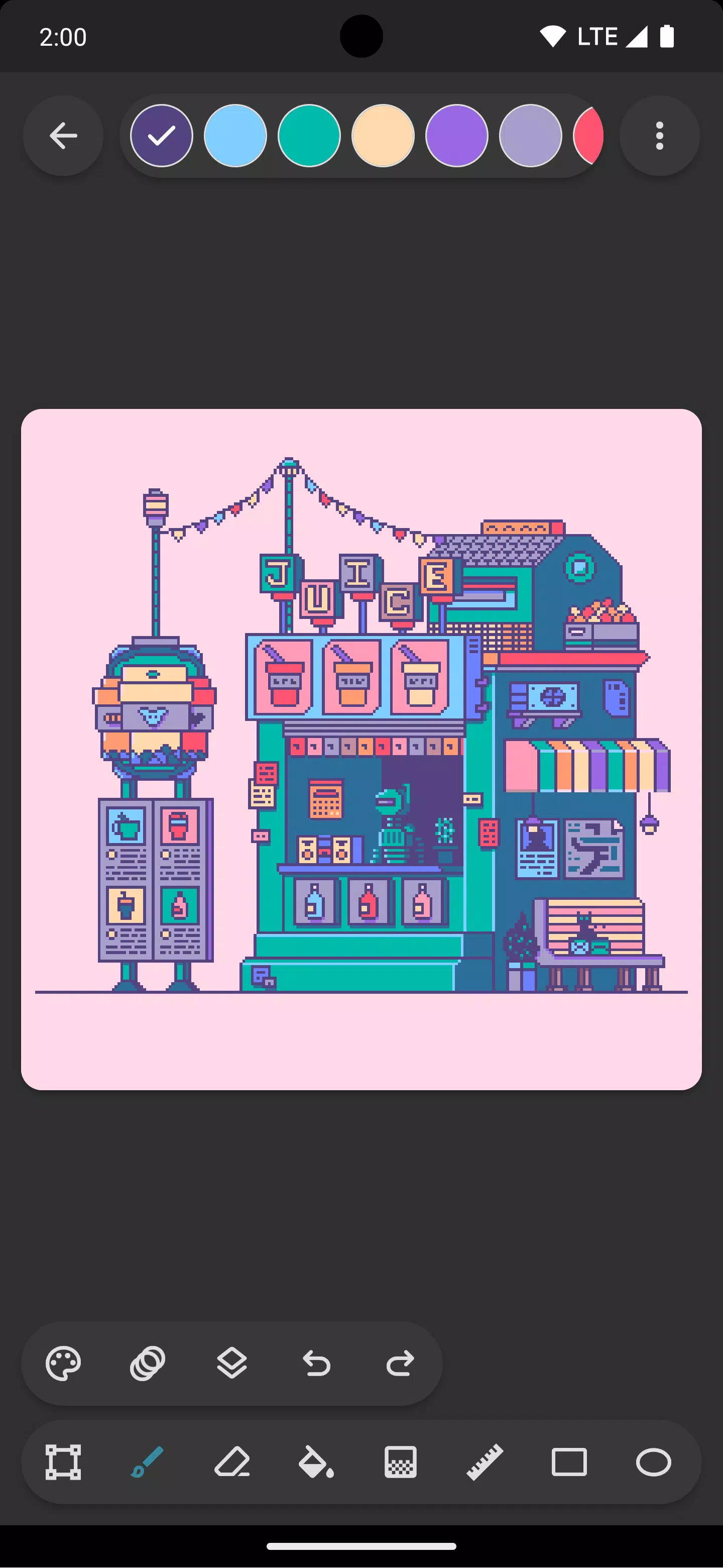
Inktica's pixel-perfect toolkit includes Brush, Eraser, Flood-fill, Gradient, and more—each optimized for pixel art. Enjoy features like the "pixel perfect" algorithm for crisp single-pixel lines.
Easily manipulate artwork with Inktica's selection tool—copy, cut, move, flip, or rotate sections before pasting.
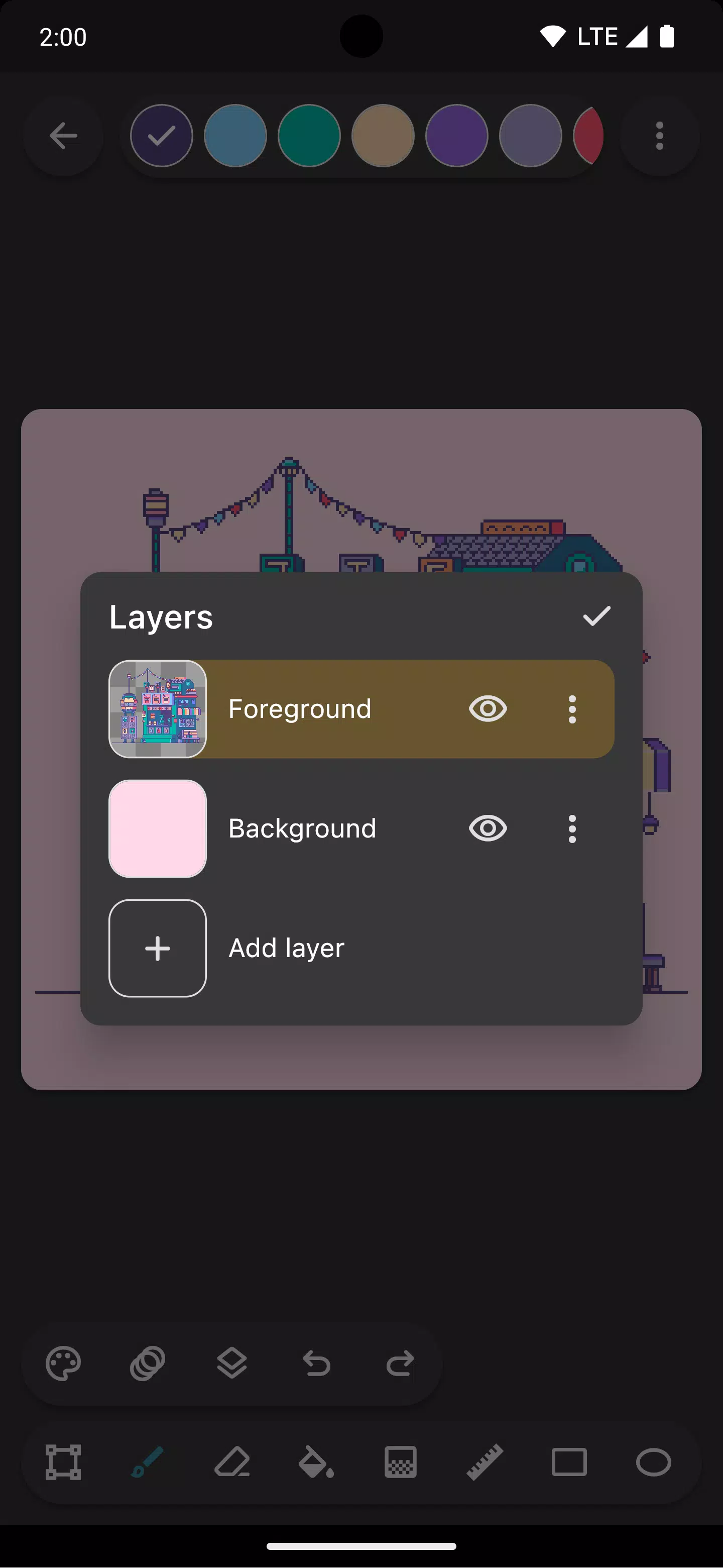
Organize projects seamlessly with layers, simplifying edits to specific elements.
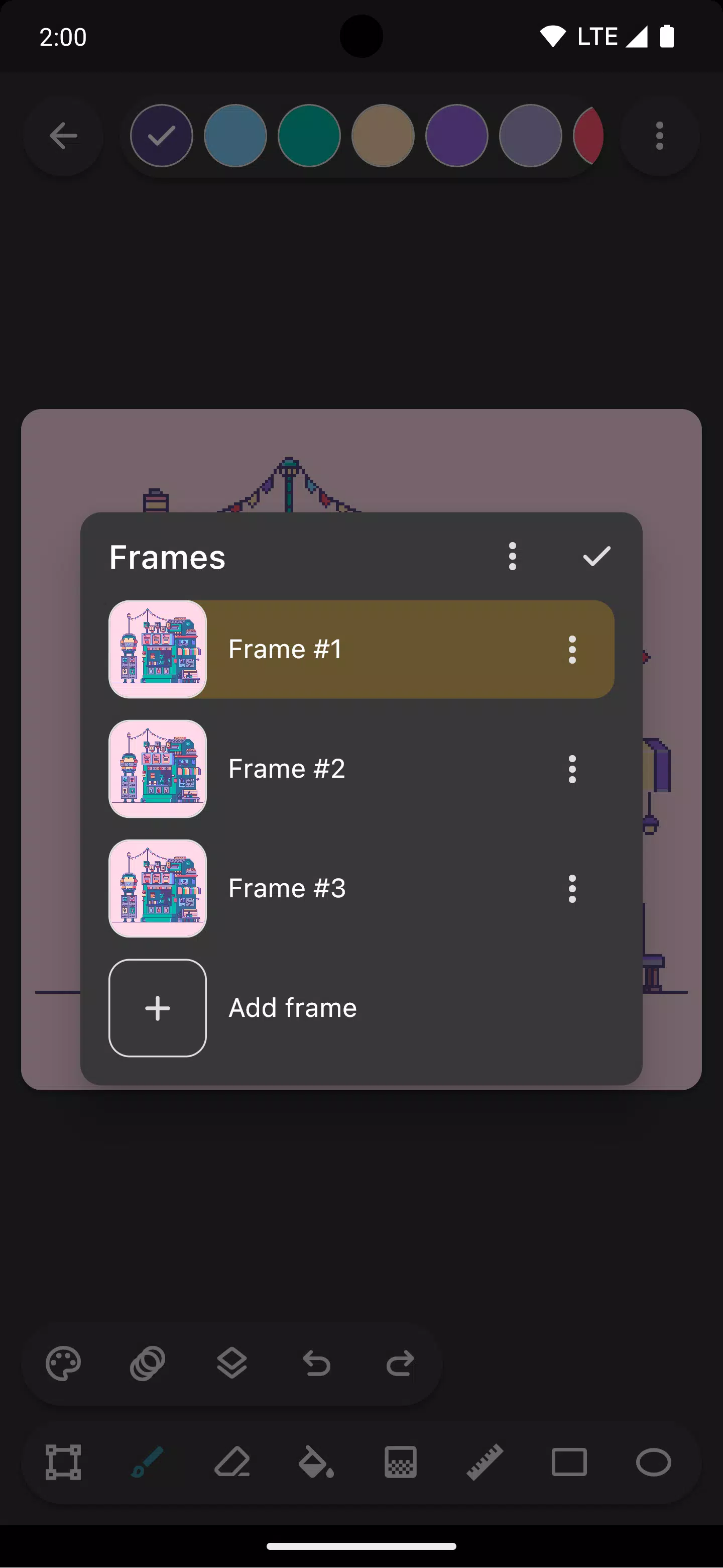
Breathe life into sprites using animation tools. The onion skin feature helps visualize frame transitions smoothly.
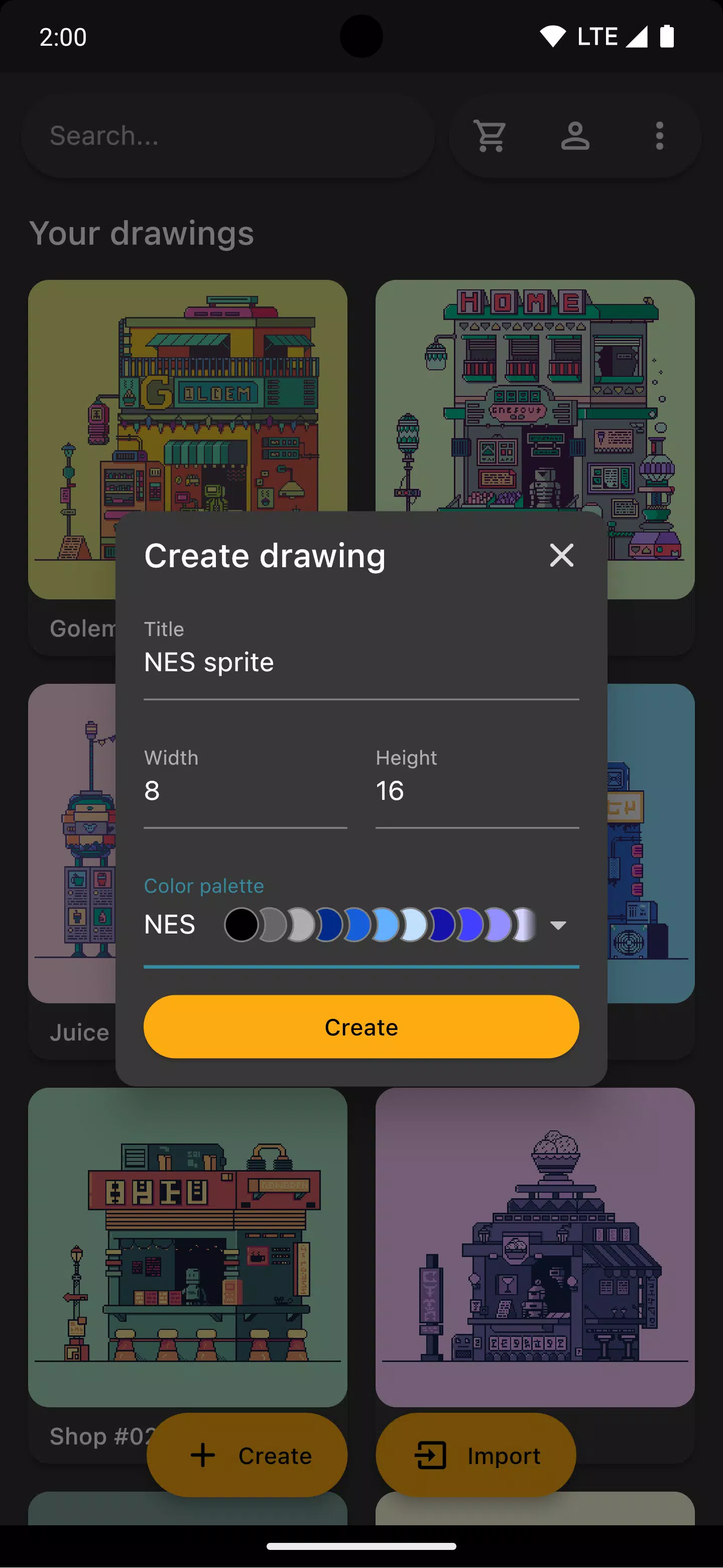
Work with iconic console color palettes (Atari 2600, NES, Game Boy) or import curated palettes from Lospec.
Use reference images from your gallery for side-by-side comparisons while creating.
Share creations directly to social media or export high-quality upscaled images—perfect for non-pixel platforms.
Inktica supports importing existing pixel art (.ase, .aseprite) and common formats (.png, .jpeg, .gif).
Artwork in screenshots by Pikurā
Privacy policy: https://inktica.com/privacy-policy.html
Terms of use: https://inktica.com/terms-of-use.html
What's New in Version 1.35.97
Last updated on Nov 11, 2024
- Redesigned color dialog with grid layout for better color visibility
- Color selections now auto-close the dialog for faster workflow