






InspectorADE Mobile

 |
Latest Version | 8.6.1.1 |
 |
Update | Sep,08/2026 |
 |
Developer | ADEvantage Technology, Inc. |
 |
OS | Android 5.1 or later |
 |
Category | Productivity |
 |
Size | 19.10M |
| Tags: | Productivity |
-
Latest Version
8.6.1.1
-
Update
Sep,08/2026
-
Developer
ADEvantage Technology, Inc.
-
OS
Android 5.1 or later
-
Category
Productivity
-
Size
19.10M


 Download(8.6.1.1)
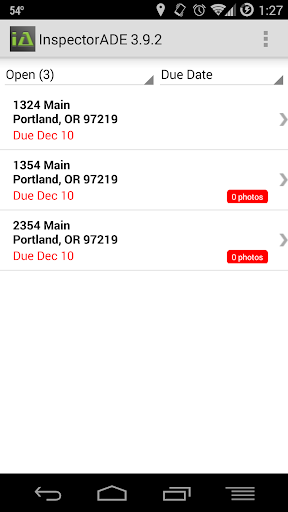
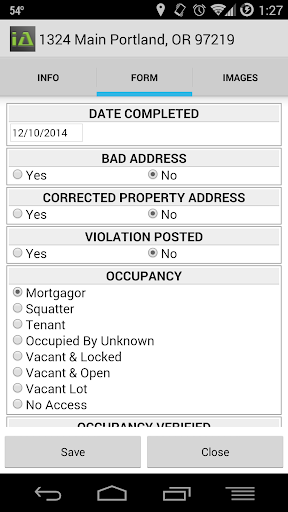
InspectorADE Mobile transforms on-the-go inspections! This powerful app gives you full access to your InspectorADE account from your mobile device, wherever you are. Whether you’re connected or not, you can easily capture photos and fill out inspection forms directly from your phone. Say goodbye to unreliable internet slowing you down. Once you’re back online, just tap “upload” to securely submit all your data and images to the InspectorADE website. And there’s more: the app now integrates with Aspen Grove Proof of Service, creating a smooth and reliable inspection experience.
InspectorADE Mobile Features:
> Work Anywhere:
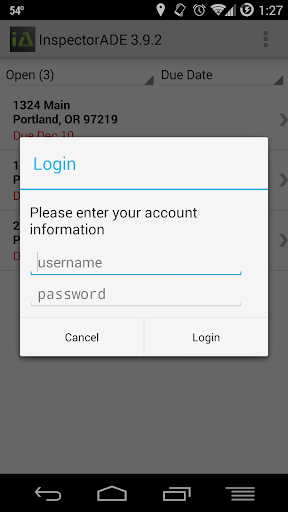
InspectorADE Mobile lets you log into your InspectorADE account from your mobile device, so you can handle inspections wherever work takes you. Leave bulky paperwork behind and break free from your desk. Use the app to quickly take photos and complete inspection forms on site—boosting your productivity and efficiency.
> Work Without Internet:
A key advantage of InspectorADE Mobile is its offline capability. Even with no Wi-Fi or cellular signal, you can continue inspecting and filling out forms. As soon as you reconnect, simply select “upload” to send all your inspection details and images directly to the InspectorADE website.
> Aspen Grove Proof of Service Integration:
InspectorADE Mobile now works with Aspen Grove Proof of Service, expanding what you can do. This integration helps you carefully document each inspection and provide verified proof of service. It’s easier to validate your work and show clients or supervisors your professional approach.
> Efficient Workflow:
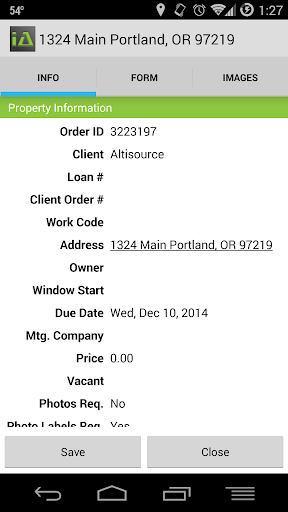
Streamline how you inspect with this app. Its clean, user-friendly interface makes it simple to move through forms. Quickly snap photos, add notes, and follow each inspection step with ease—saving time and capturing accurate information from start to finish.
User Tips:
> Get to Know the App:
Before starting your first inspection, spend time exploring the app’s tools and layout. Get comfortable with the interface, practice uploading photos and notes, and learn the step-by-step process. This preparation will help you work more confidently and efficiently during real inspections.
> Use Offline Mode Smartly:
Plan ahead to make the most of InspectorADE Mobile’s offline mode. If you’re heading to a site with poor connectivity, download forms and documents in advance. This way you can inspect without interruption, even without internet, and avoid delays.
> Leverage the Integration:
Take full advantage of the Aspen Grove Proof of Service integration to strengthen your professional record. Document each inspection thoroughly with clear, time-stamped photos and complete details. This demonstrates your reliability and builds a strong reputation as an inspector.
Final Thoughts:
InspectorADE Mobile is reshaping inspections by delivering convenience, speed, and dependability right in your hand. With mobile access and offline support, you can inspect at any time and place. The Aspen Grove Proof of Service integration boosts the professionalism of your reports. Optimize your process and save time with a friendly interface. Expand your inspection skills and highlight your expertise. Install the app today and elevate your inspection career.