






Moblo
 |
Latest Version | 24.11.2 |
 |
Update | Apr,25/2026 |
 |
Developer | Félix Raymond |
 |
OS | Android 5.1+ |
 |
Category | Art & Design |
 |
Size | 85.8 MB |
 |
Google PlayStore |  |
| Tags: | Art & Design |
-
Latest Version
24.11.2
-
Update
Apr,25/2026
-
Developer
Félix Raymond
-
OS
Android 5.1+
-
Category
Art & Design
-
Size
85.8 MB
-
Google PlayStore


 Download(24.11.2)
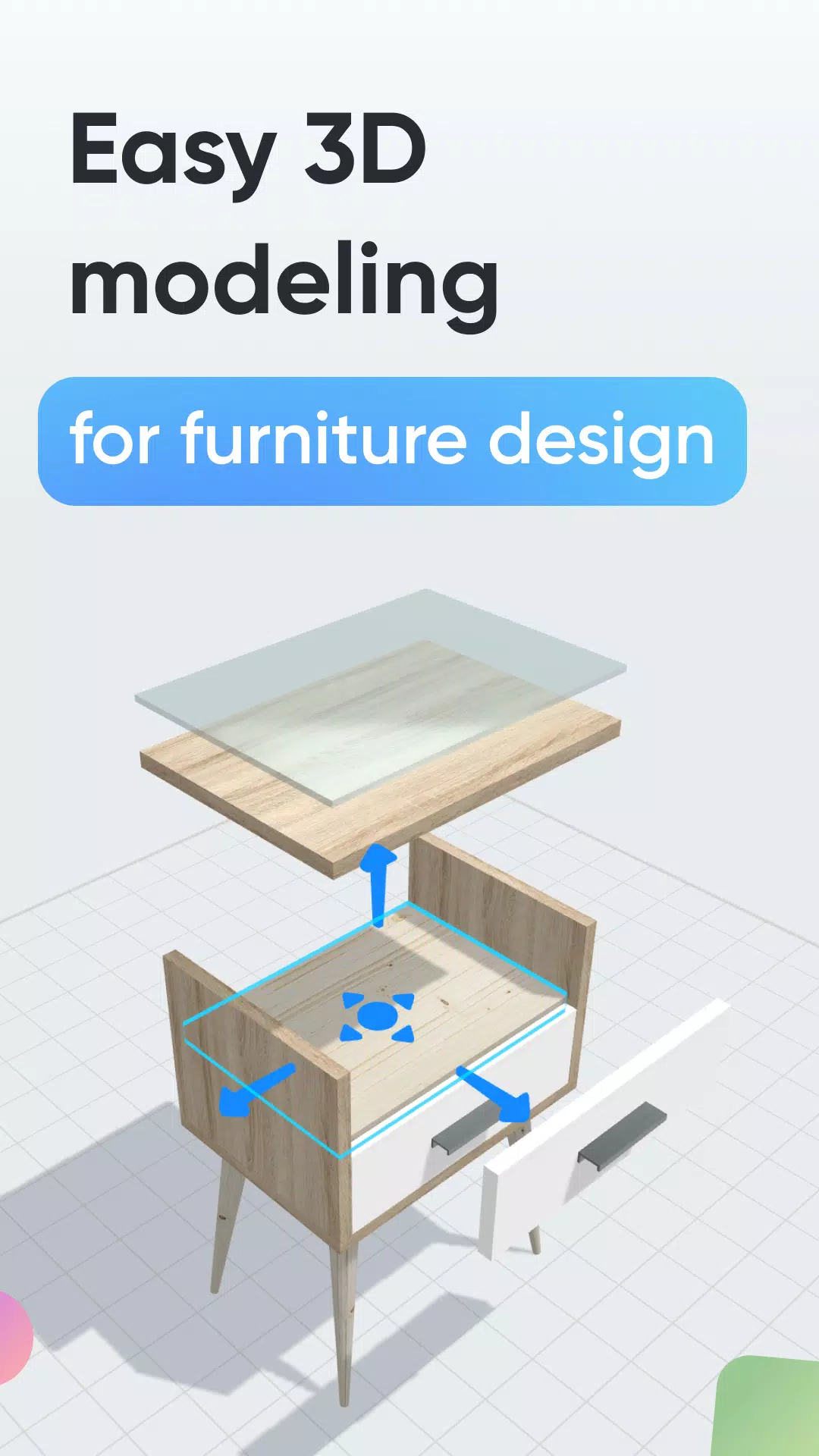
Design furniture, woodworking projects, and DIY creations effortlessly with intuitive 3D modeling
Looking to craft custom furniture or outfit a space yourself? Moblo offers the ideal 3D modeling solution for your next project. Perfect for sketching furniture designs in 3D, it also empowers you to visualize sophisticated interior layouts. Transform concepts into realistic renders and preview them in your space using augmented reality.
Whether you're new to 3D modeling or a seasoned designer, Moblo adapts to your skill level for custom furniture projects. Its dual-mode interface works seamlessly with both touchscreens and mouse inputs, making 3D design accessible to all.
Popular custom designs created with Moblo:
- Custom-fit shelving units
- Modular bookcases
- Walk-in wardrobes
- Media consoles
- Workstations
- Kids' beds
- Kitchen layouts
- Bedroom suites
- Solid wood furnishings
- …
Design workflow:
1 - 3D Modeling
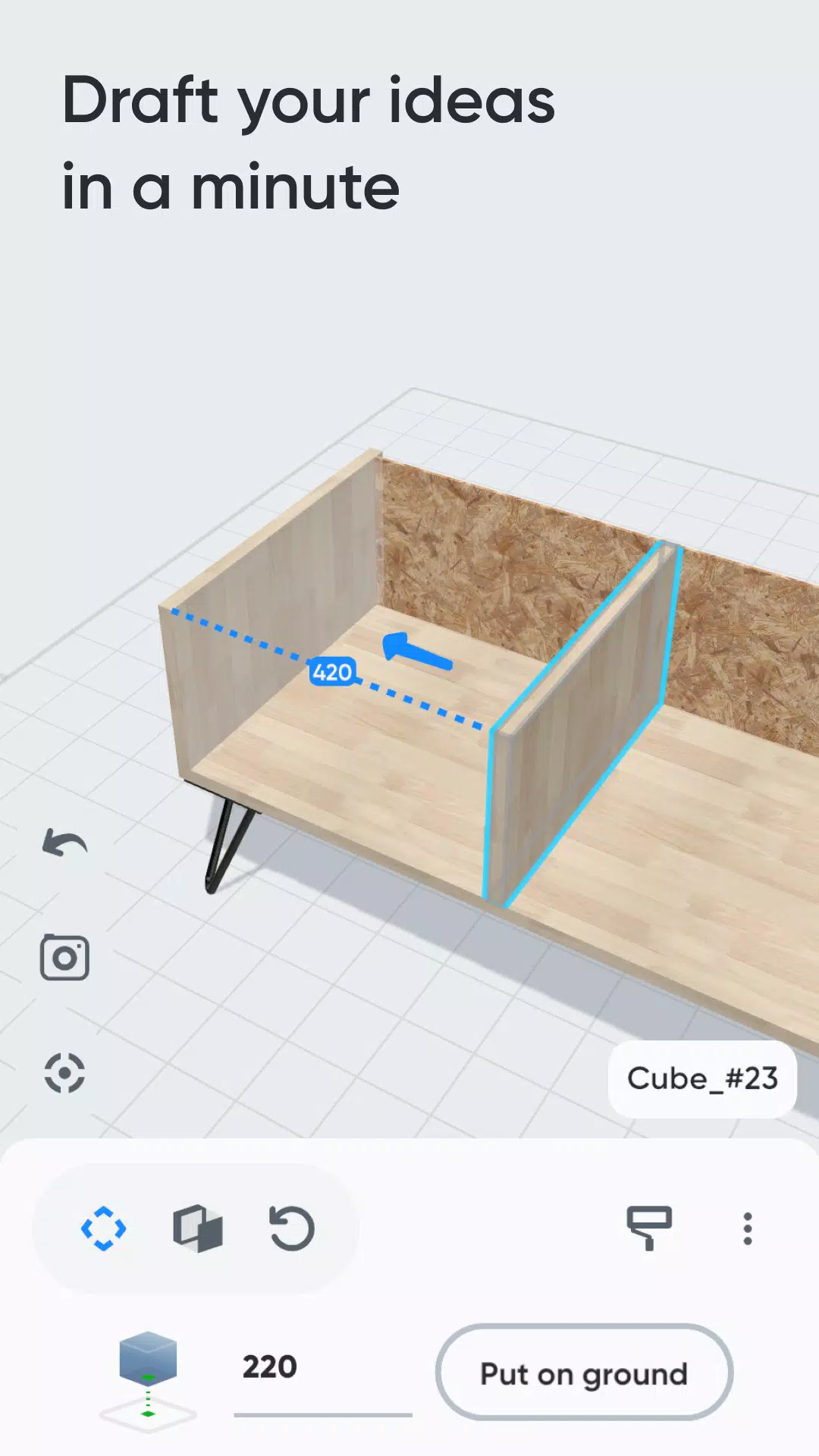
Construct your furniture digitally using pre-made components (basic shapes, legs, hardware) in our user-friendly interface
2 - Material customization
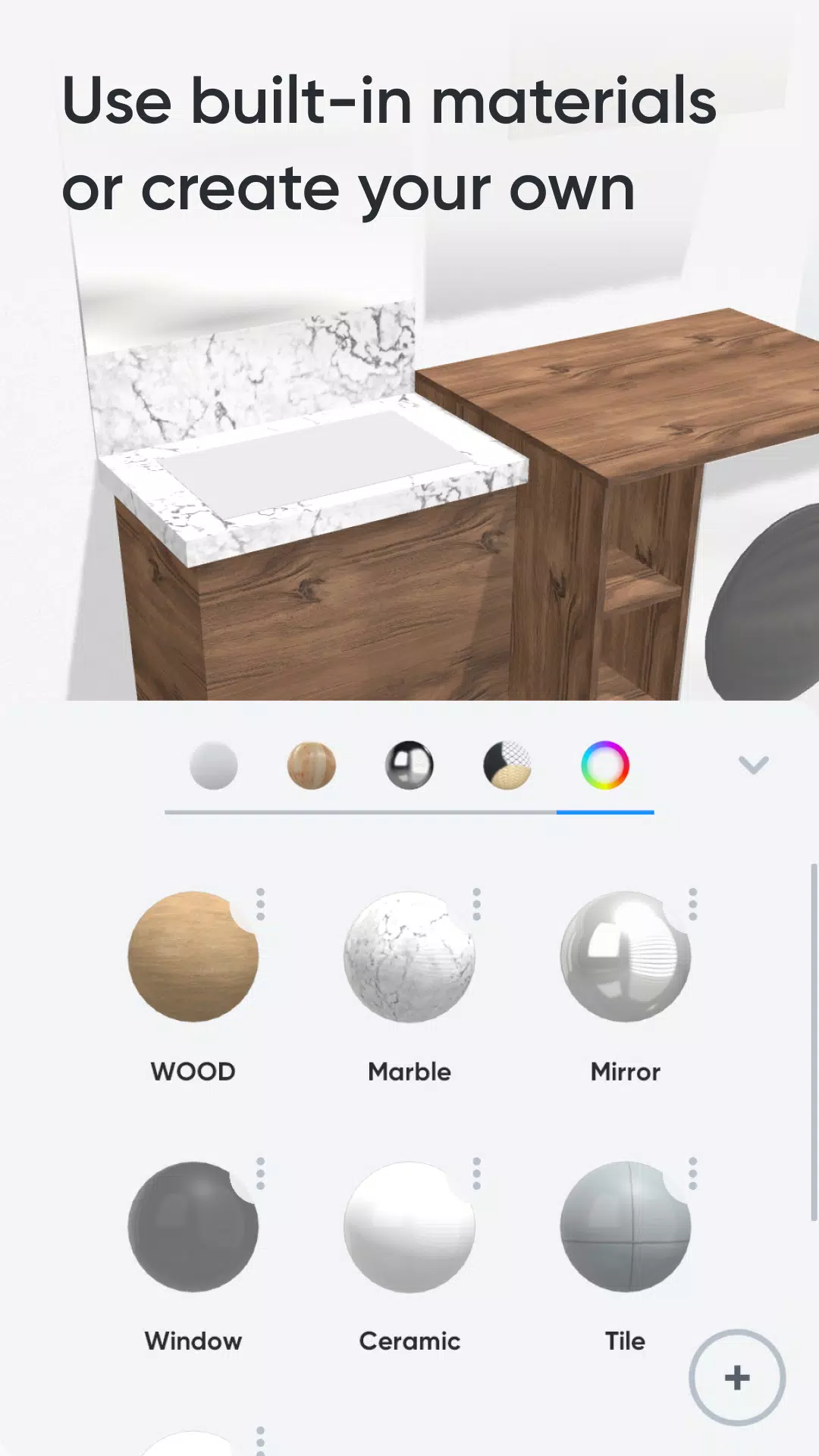
Select finishes from our extensive library (paints, woods, metals, glass) or craft unique materials with our simple editor
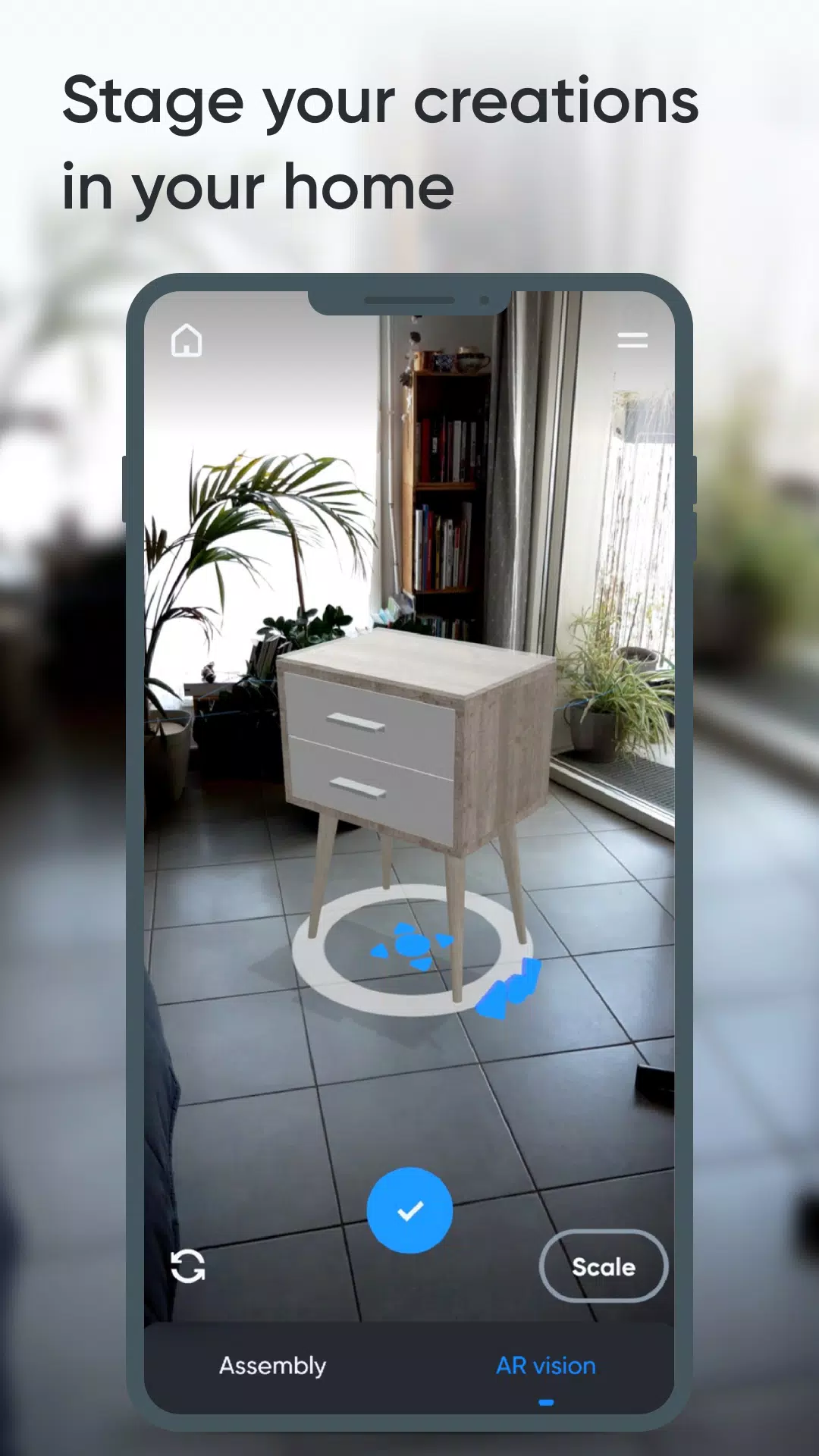
3 - AR visualization
Preview designs in your actual space using smartphone AR, then refine proportions in real time
Key features:
- Advanced 3D manipulation (move/resize/rotate)
- Component management (clone/hide/lock)
- Material catalog (wood grains, metal finishes, glass types)
- Custom material designer (color/texture/reflectivity)
- AR space planning
- BOM generation
- Component annotations
- Project snapshots
Premium advantages:
- Multi-project workspace
- Unlimited component capacity
- Full shape library access
- Complete materials collection
- CSV exports for spreadsheets
- Collaborative sharing options