






Papercopy - Tracer

 |
Latest Version | 2.2.1 |
 |
Update | Apr,25/2026 |
 |
Developer | Đurica Mićunović |
 |
OS | Android 5.0+ |
 |
Category | Art & Design |
 |
Size | 22.3 MB |
 |
Google PlayStore |  |
| Tags: | Art & Design |
-
Latest Version
2.2.1
-
Update
Apr,25/2026
-
Developer
Đurica Mićunović
-
OS
Android 5.0+
-
Category
Art & Design
-
Size
22.3 MB
-
Google PlayStore


 Download(2.2.1)
Transfer Images from Screen to Paper with Ease
Papercopy revolutionizes the way designers and artists work by enabling precise image copying directly from your mobile screen to paper. Our innovative app bridges the digital and physical creative process.
Key Features:
Perfect for Creative Work
Ideal solution for designers, illustrators, and creative professionals who need to transfer digital images to physical sketches. Also wonderful for kids' art projects and educational activities.
Complete Image Control
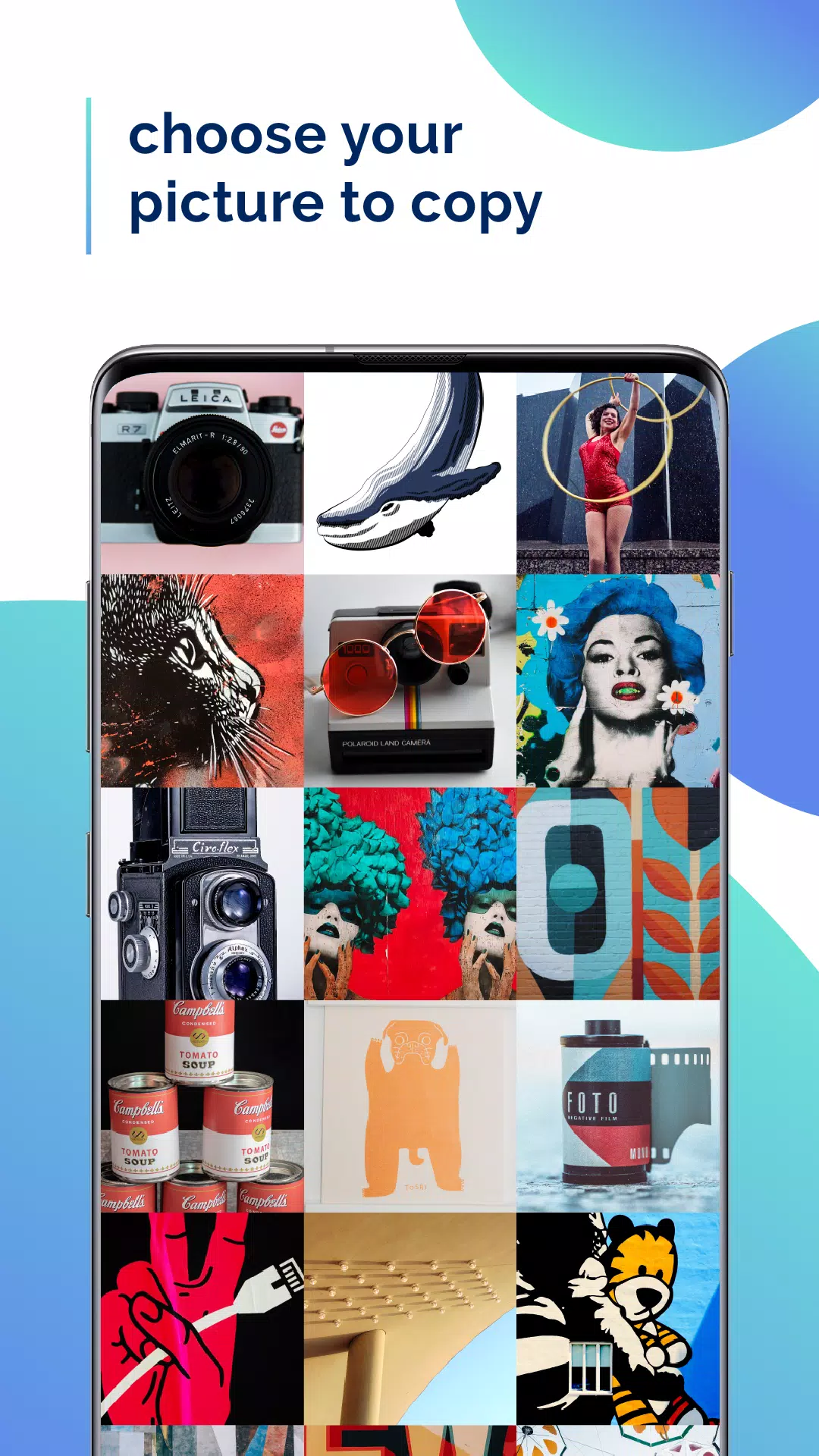
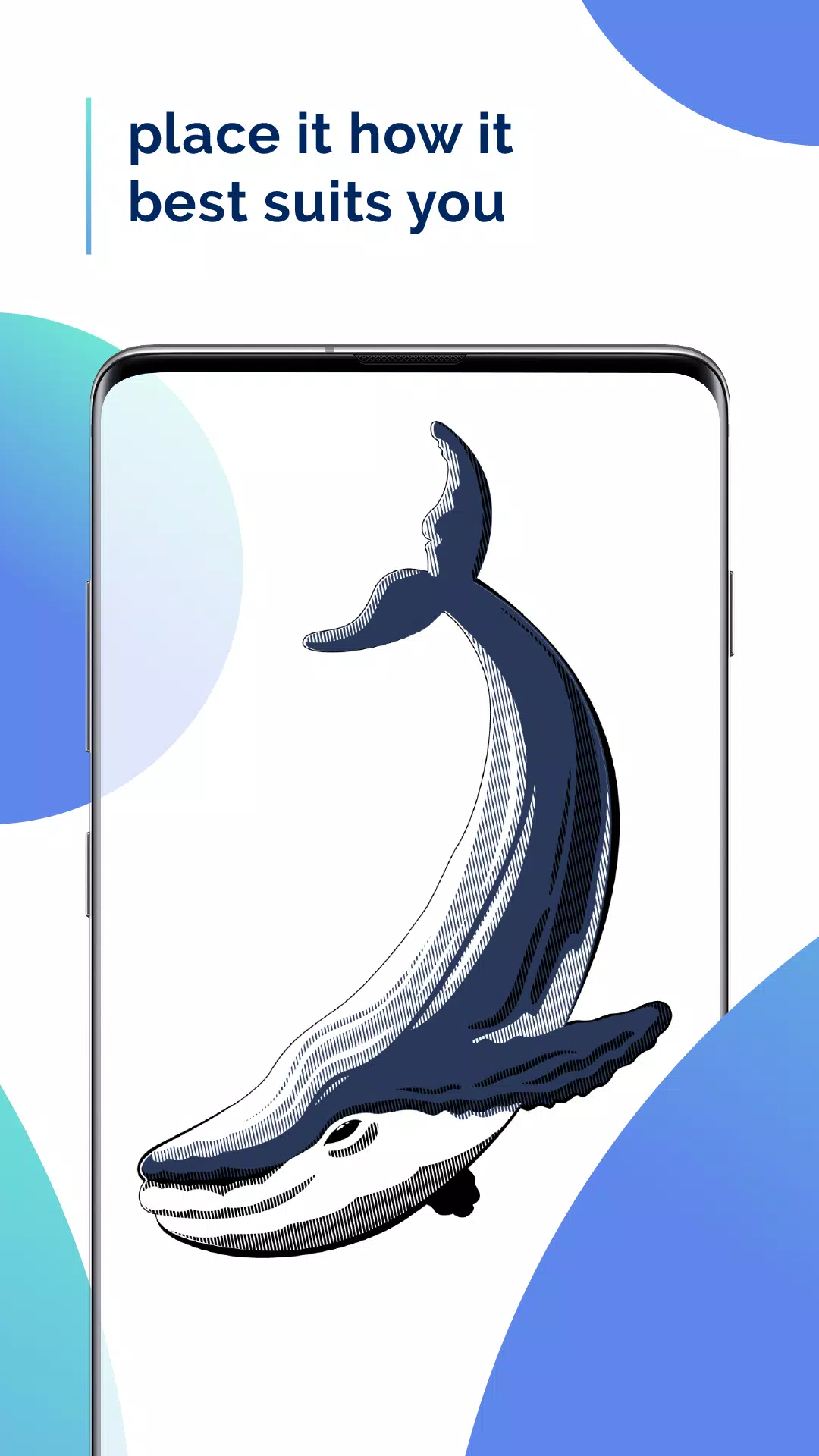
Open any image in Papercopy to access powerful editing tools. Zoom in for fine details, rotate to your preferred angle, move and position perfectly before tracing.
Physical Tracing Made Simple
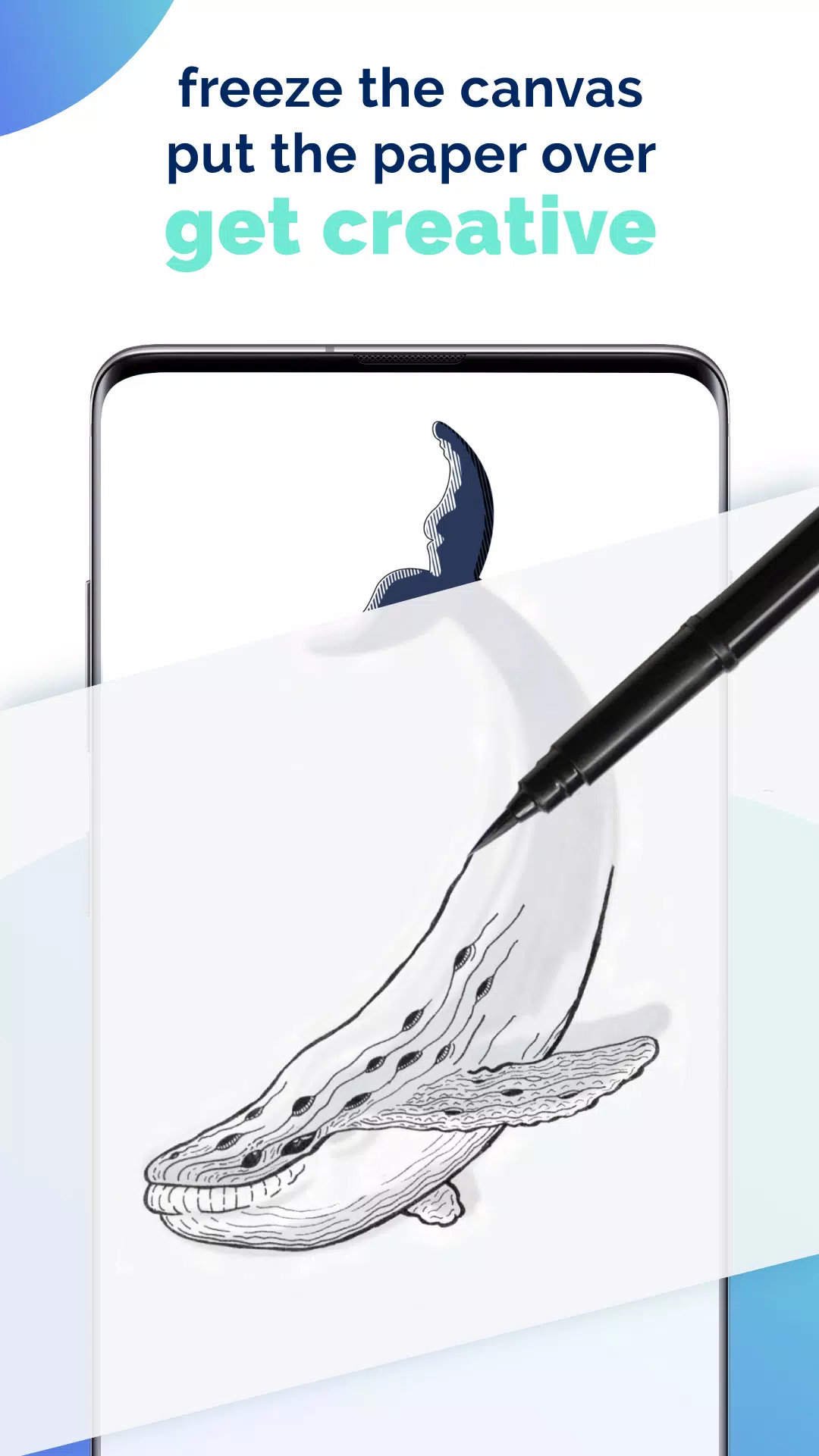
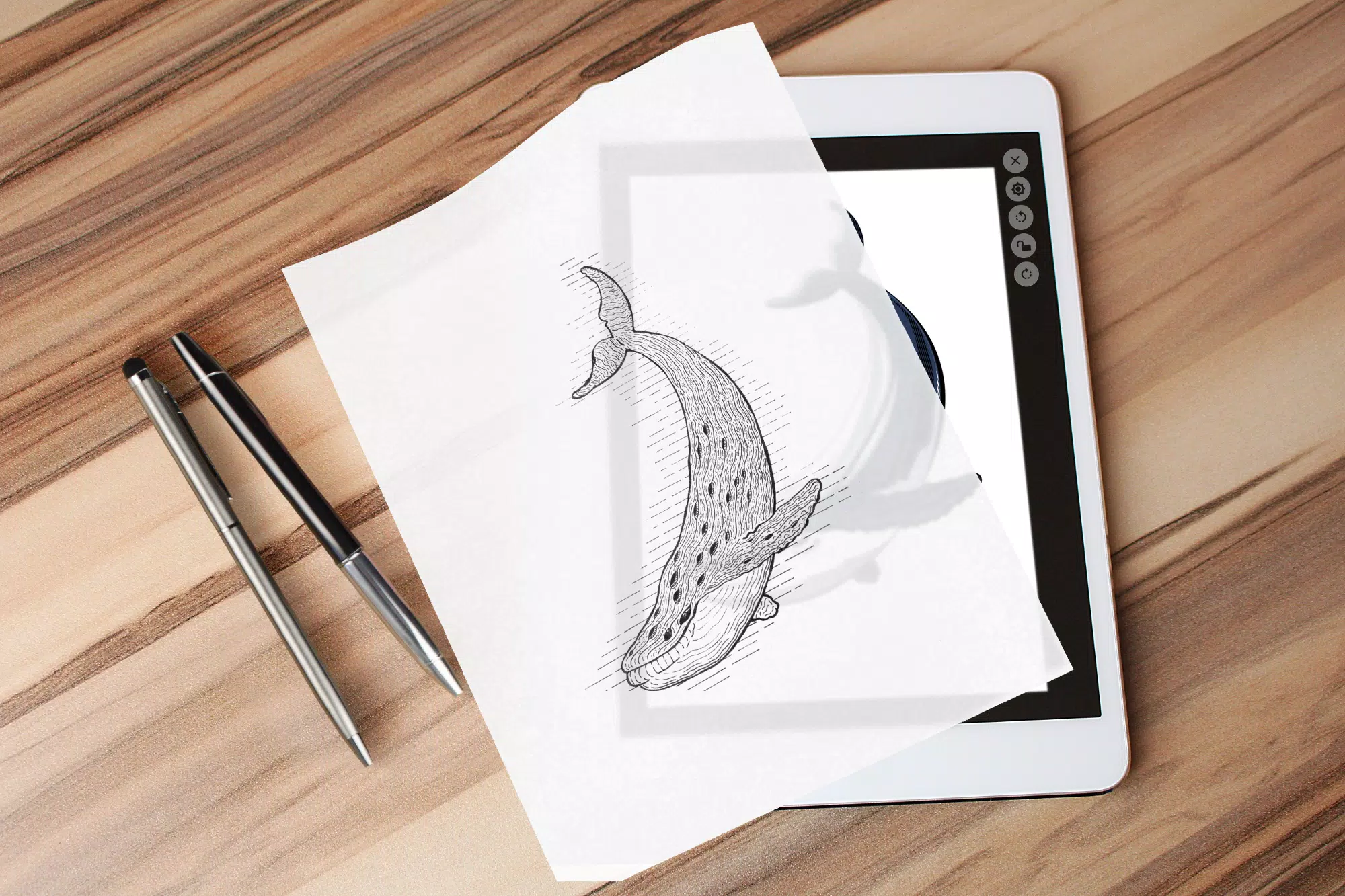
Just place your paper over the device's display and start sketching. The bright, clear screen serves as your digital lightbox for accurate tracing.
Stable Drawing Surface
Lock your image in place with the freeze screen function to prevent unwanted movements while you work. This ensures precise tracing without accidental adjustments.
Additional Helpful Tools
Papercopy includes various adjustment options to optimize your tracing experience. Adjust brightness, contrast and apply filters to make the image easier to trace.