






Root Explorer

 |
Latest Version | v5.0.2 |
 |
Update | Apr,21/2026 |
 |
Developer | Speed Software |
 |
OS | Android 5.1 or later |
 |
Category | Tools |
 |
Size | 3.09M |
| Tags: | Tools |
-
Latest Version
v5.0.2
-
Update
Apr,21/2026
-
Developer
Speed Software
-
OS
Android 5.1 or later
-
Category
Tools
-
Size
3.09M


 Download(v5.0.2)
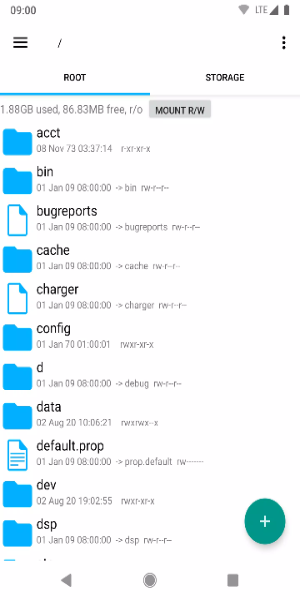
Meet your ultimate file management companion: Root Explorer. This powerful Android app gives you advanced tools to effortlessly explore, organize, and personalize your device’s file system. Whether you’re a power user demanding fine‑grained control or simply want to keep your files tidy, Root Explorer delivers a complete solution right in the palm of your hand.
Standout Aspects:
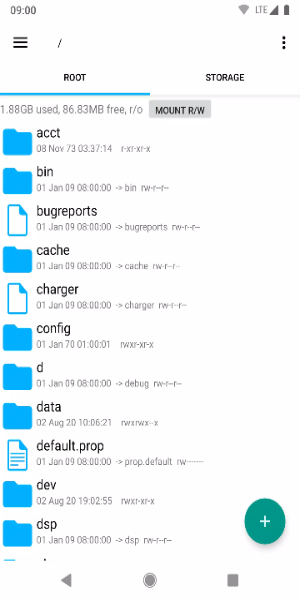
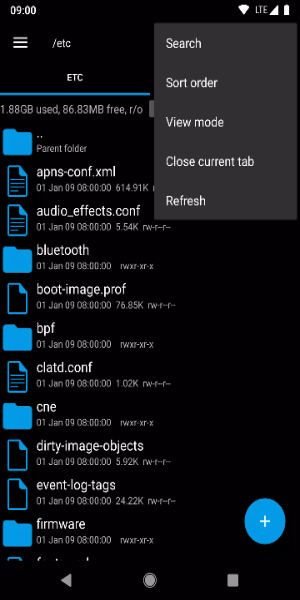
· Full Root Access: Get unrestricted entry to system files and folders, enabling deep customization and tuning of your Android device.
· Intuitive File Management: Copy, paste, move, rename, and delete files with ease—thanks to a clean interface built for speed and simplicity.
· Archive Support: Compress and extract files in ZIP and RAR formats, helping you save space and stay organized.
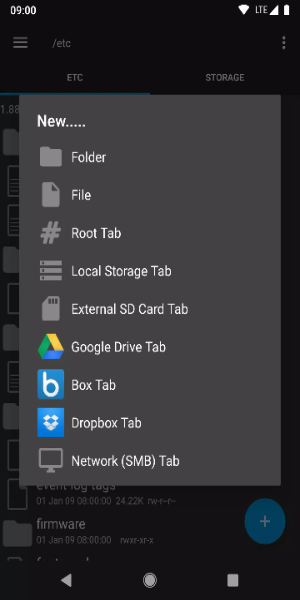
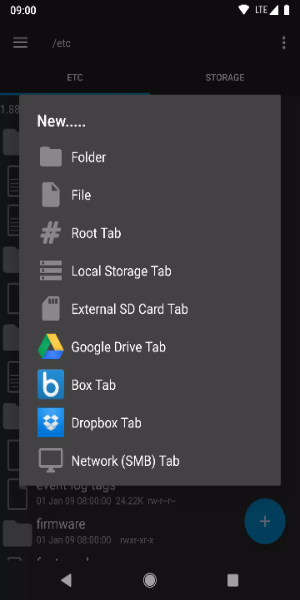
· Remote File Access: Manage files on cloud services like Google Drive, Dropbox, and OneDrive directly from the app.
· Built‑In Viewer & Editor: Preview images, documents, and text files, and edit text right inside the app—no extra software needed.
New permissions:
Full network access – used for network and cloud services. No information is transmitted to us over the internet.
Add or remove account – used by the Google Drive SDK to add a new account if required. Existing accounts are not altered, and no separate detailed account name access occurs.
Find accounts on device – used to show available accounts for logging into Google Drive.
Prevent sleep – used to keep the device awake during long operations so they are not interrupted.
Tips for Users:
- Backup System Files: Always create backups of critical system files before making changes. This safety net lets you restore your device if anything goes wrong during file management or customization.
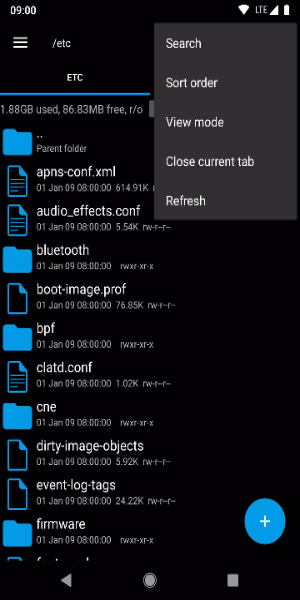
- Use the Search Function: Quickly find specific files across large folders with Root Explorer’s powerful search. It saves time by locating items based on names or keywords, making navigation a breeze.
- Save Favorite Locations: Boost your workflow by bookmarking often‑used folders. Create shortcuts to important directories for instant access without repetitive browsing.
- Set Permissions with Care: When handling system files, be cautious with permission changes. Incorrect settings can lead to instability or security risks—always double‑check before applying.
- Keep the App Updated: Regularly update Root Explorer to enjoy new features, improvements, and security patches. Staying current ensures optimal performance and a safer experience on your Android device.
Enjoy Root Explorer on Android Now
Root Explorer is the essential Android tool for total control over your device’s file system. Packed with features like full root access, intuitive management, archive handling, cloud integration, and built‑in editing, it serves both everyday users and tech enthusiasts. Elevate your Android experience today with Root Explorer—where convenience meets customization, wherever you go.