






UgPhone - Andorid Cloud Phone

 |
Latest Version | v1.3.4.7 |
 |
Update | Jul,06/2026 |
 |
Developer | OgCloud |
 |
OS | Android 5.1 or later |
 |
Category | Tools |
 |
Size | 38.83M |
| Tags: | Tools |
-
Latest Version
v1.3.4.7
-
Update
Jul,06/2026
-
Developer
OgCloud
-
OS
Android 5.1 or later
-
Category
Tools
-
Size
38.83M


 Download(v1.3.4.7)
UgPhone - Android Cloud Phone frees you to enjoy Android apps, play games, and access global app stores from any device. Powered by advanced data center tech and network optimization, it lets you play your favorite games and use apps from anywhere in the world, all while saving your local device's resources.
Redefine Your Digital Experience
1. **Native Android System**: Experience a genuine Android environment, delivering full Android functionality without taxing your local device's performance.
2. **24/7 Online Gaming**: Game non-stop without worrying about battery, internet drops, or local resource limits. Tailor your gaming sessions to your own schedule.
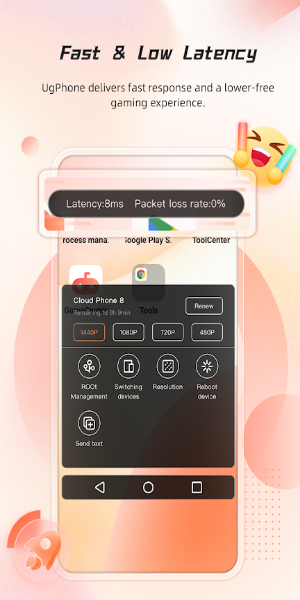
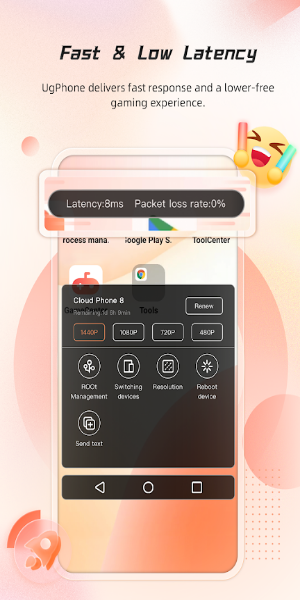
3. **Smooth Operation & Low Latency**: Global network nodes and databases provide a lag-free, fast, and reliable gaming experience.
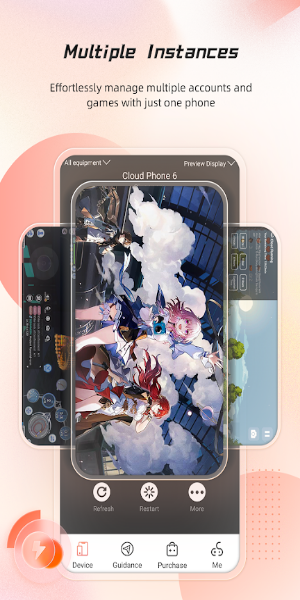
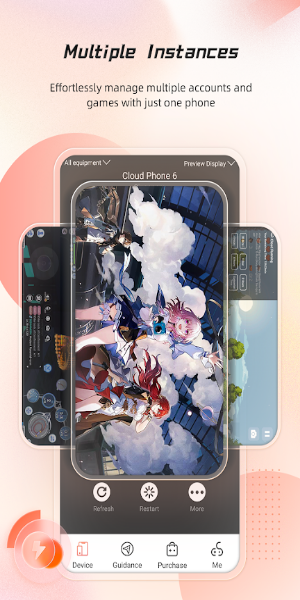
4. **Multi-Account Management**: Run multiple games and apps concurrently across different cloud phones with a single account. Sync operations and cut down on repetitive tasks.
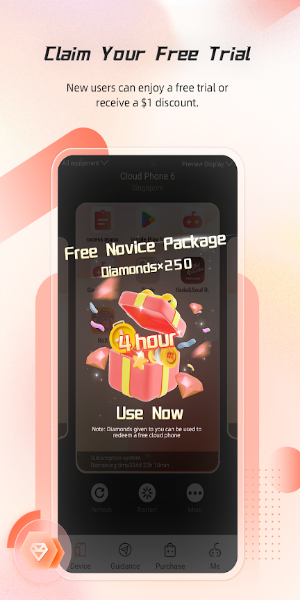
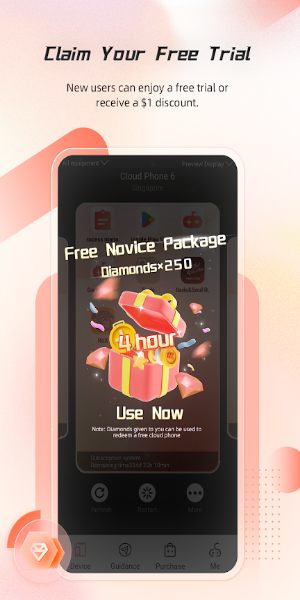
5. **Extended Free Trial**: New users get a generous trial period to explore and get comfortable with all its features before making a commitment.
Best Tips and Tricks for Using UgPhone - Android Cloud Phone APK
1. **Download and Install**: Start by downloading UgPhone from the official store or website. Install the app and set up your account to begin.
2. **Log In & Set Up Your Cloud Phone**: Sign in and configure your cloud phone settings. Pick the games and apps to install and start personalizing your virtual space.
3. **Access Global Content**: Use the cloud platform to discover and download apps from various regions. Enjoy worldwide content without restrictions.
4. **Play Games Anywhere**: Launch your favorite games directly from the cloud. Switch between devices seamlessly with your progress saved automatically.
5. **Manage Multiple Accounts**: Utilize the multi-account feature to run different games or apps on several cloud phones at once, boosting your efficiency.
Interface and Design
The app boasts a sleek, user-friendly interface designed for easy navigation. Its intuitive layout lets you manage cloud phones and access content effortlessly. The design focuses on a clean, responsive experience, making it simple to switch between functions and settings.
What’s New in the Latest Version
The latest UgPhone update brings enhanced network optimization for lower latency and better game performance. Enjoy a more streamlined interface with improved tools for managing multiple accounts and accessing global apps. It also includes various bug fixes and performance enhancements for a smoother overall experience.
Download UgPhone - Android Cloud Phone to Explore the Future of Cloud-Based Entertainment
UgPhone - Android Cloud Phone is a game-changer for anyone wanting a flexible, cloud-based solution for gaming and apps. With its native Android system, low-latency performance, and multi-account features, it offers a powerful and versatile tool for users worldwide.