






Lector de PDF
 |
Ultima versión | 7.1.3 |
 |
Actualizar | May,01/2026 |
 |
Desarrollador | pickwick santa |
 |
SO | Android 5.0+ |
 |
Categoría | Libros y referencias |
 |
Tamaño | 20.1 MB |
 |
Google PlayStore |  |
| Etiquetas: | Libros y referencia |
-
Ultima versión
7.1.3
-
Actualizar
May,01/2026
-
Desarrollador
pickwick santa
-
SO
Android 5.0+
-
Categoría
Libros y referencias
-
Tamaño
20.1 MB
-
Google PlayStore


 Descargar(7.1.3)
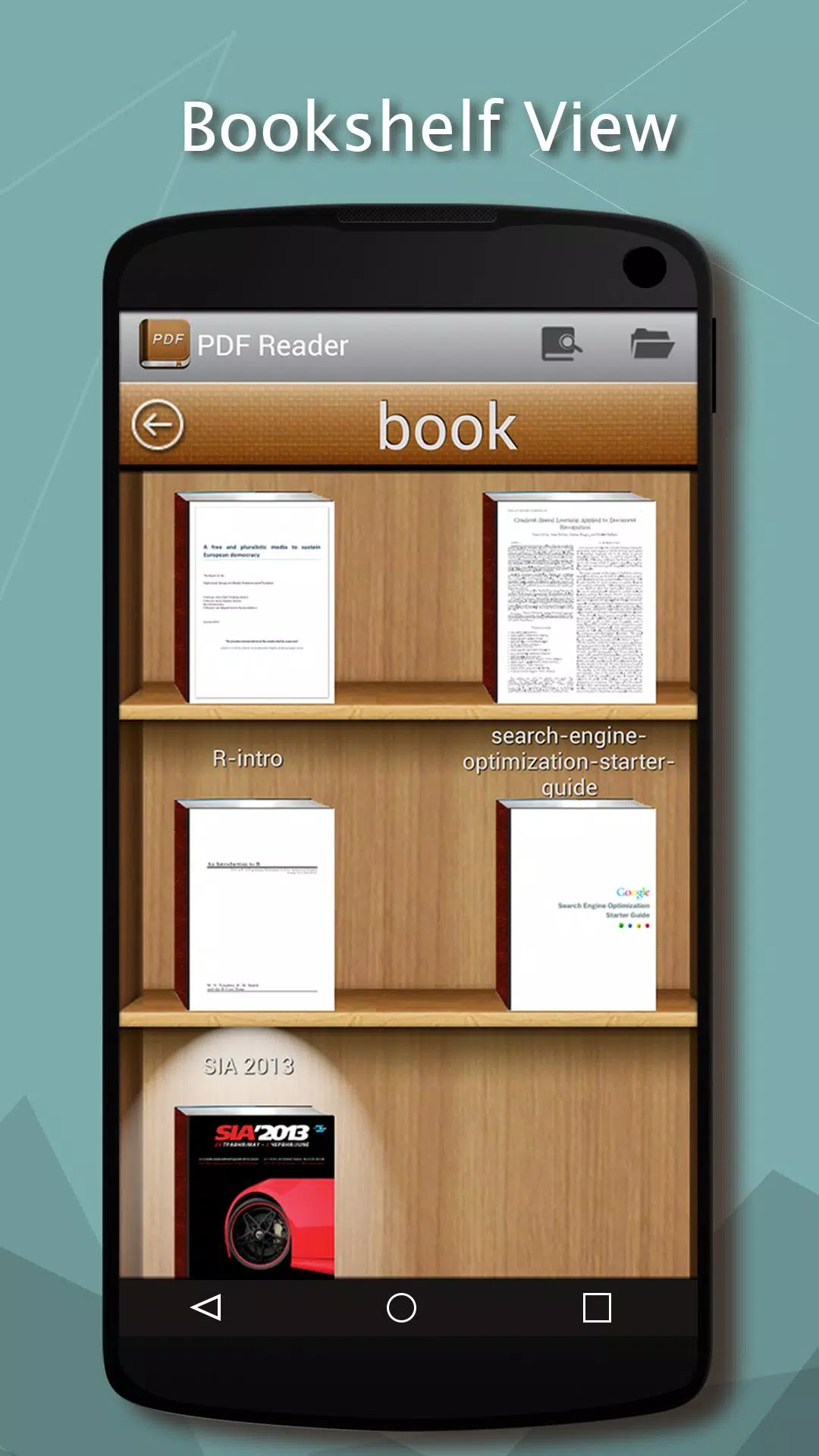
PDF Reader simplifies managing and reading all your ebooks directly on your mobile device.
As a top-tier reading application, PDF Reader enables seamless management and access to your entire ebook library on your phone.
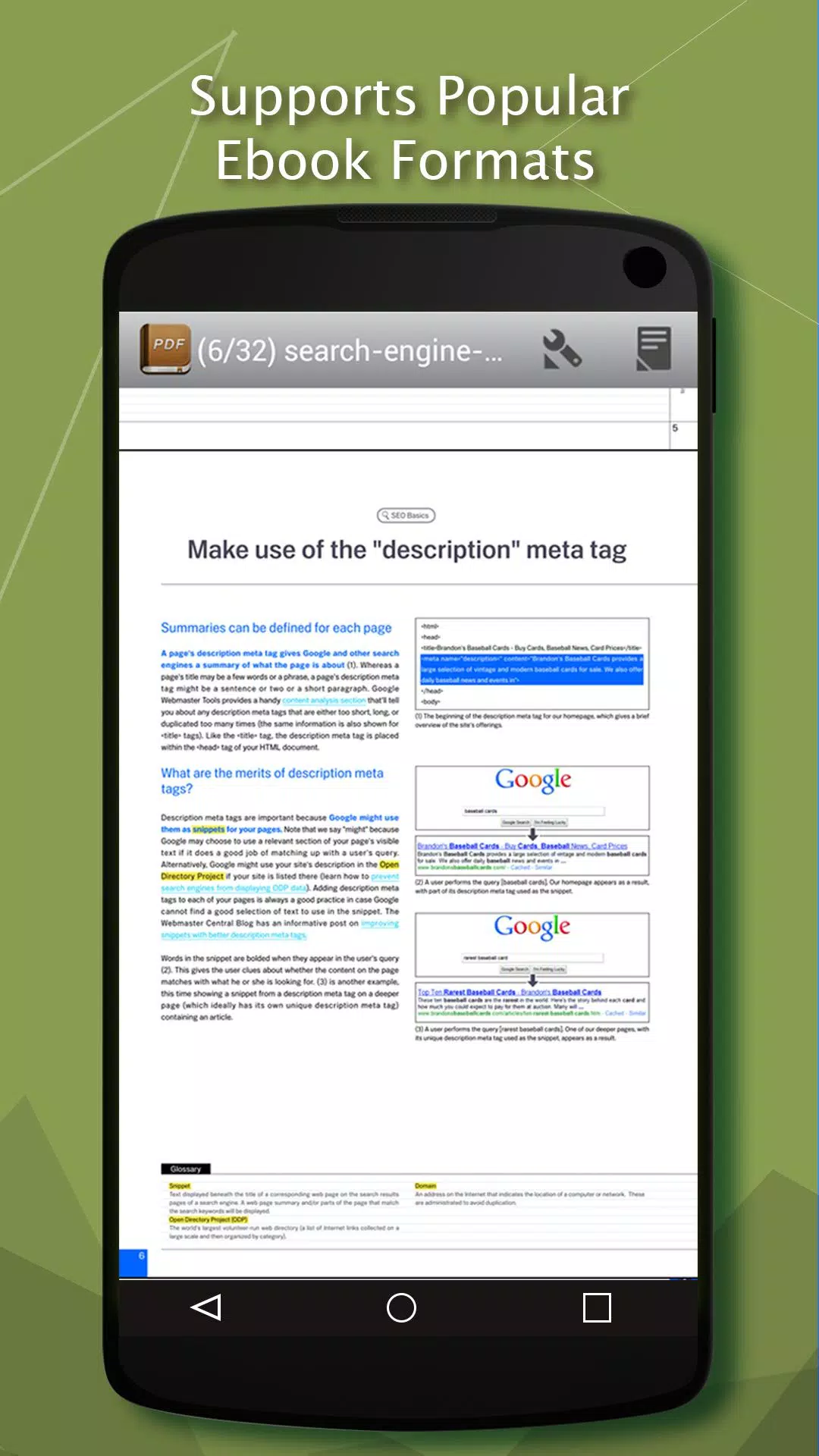
Supports multiple formats including PDF, DjVU, XPS (OpenXPS), FictionBook (fb2/fb2.zip), Comics (cbr/cbz), plus EPUB and RTF formats starting from version 2.0.
Core features:
* Choose between page-by-page navigation or continuous scrolling with page-flip animations
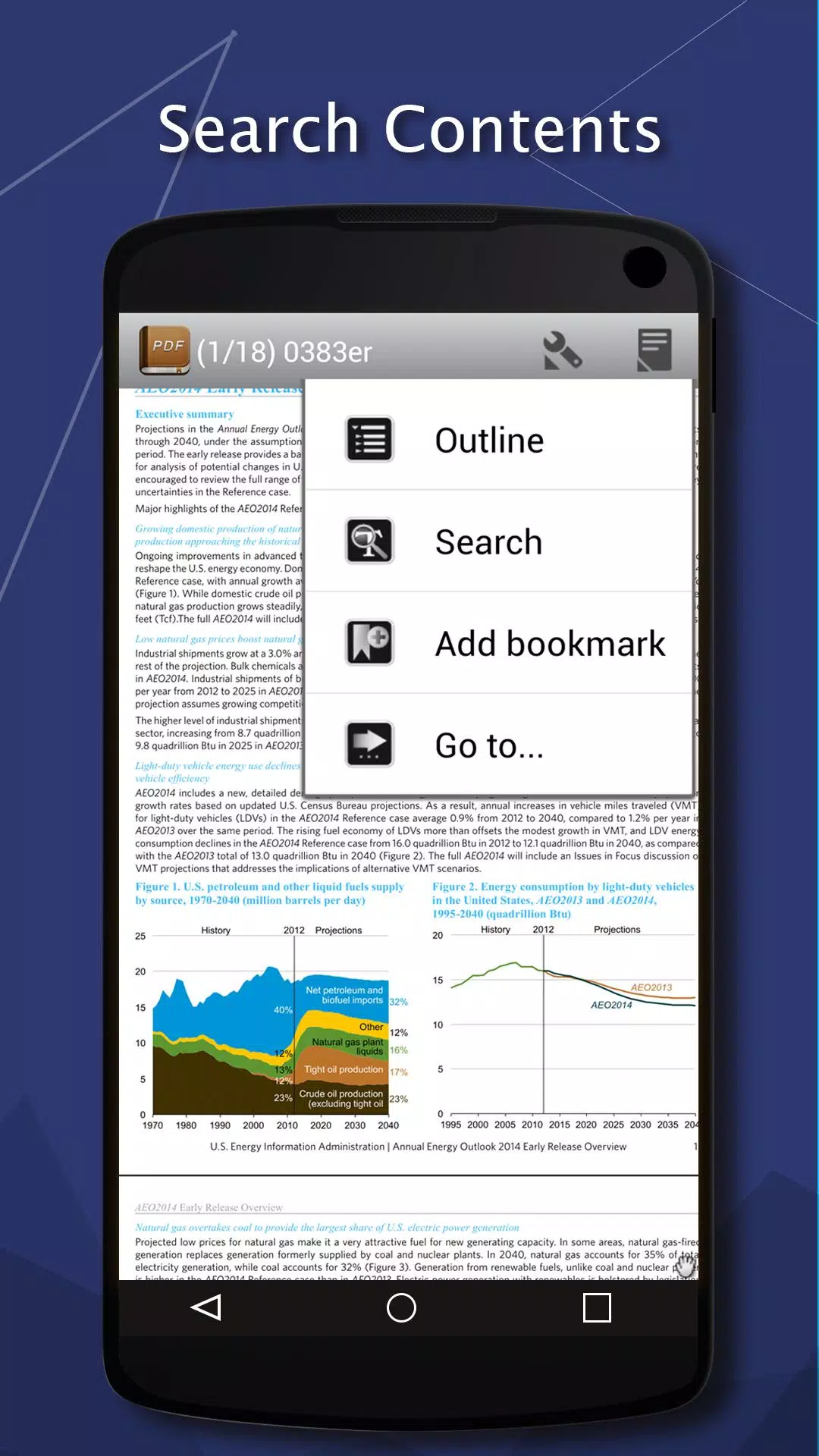
* Comprehensive navigation tools including table of contents, bookmarks, and text search functionality
* Annotation capabilities for text fragments (ideal for proofreading and note-taking)
* Export bookmark collections as text files
* Integrated file manager with quick access to recently opened books
* OPDS online catalog compatibility
* Direct access to LitRes digital bookstore
* Built-in Text-to-Speech (TTS) functionality
* Hyphenation dictionary support;
* Advanced FB2 format handling with full style, table, and footnote preservation
* Custom font integration (add .ttf files to /sdcard/fonts/)
* CJK language support with automatic TXT file encoding detection (GBK, Shift_JIS, BIG5, EUC_KR)
* Dual reading modes with customizable day/night profile settings
* Screen brightness adjustment via left-edge swipe gestures
* Background customization with textures (stretched/tiled) or solid colors
* Multiple page transition animations including traditional flip and slide effects
* Dictionary integration (ColorDict, GoldenDict, Fora, Aard)
* Fully configurable touch zones and key bindings
* Autoscroll feature with adjustable speed via volume keys or touch zones
* Direct ZIP archive reading capability
* Smart .txt file formatting with automatic header recognition
* Extensive CSS customization options for personal styling
* Optional double-tap text selection functionality
Legal Notice:
This application utilizes EbookDroid source code and operates under GNU General Public License.
EbookDroid project: http://code.google.com/p/ebookdroid/
GNU GPL details: http://www.gnu.org/licenses/
### Latest Version 7.1.3 Updates
Last updated on May 21, 2024
Resolved application crash issue.