






Garden Guide: Unlocking Special Seeds and Plants
Growing a garden isn't just about planting flowers and enjoying nature; it's also a game filled with clever strategy and untapped potential. Special seeds and plants represent an advanced gameplay element, significantly enriching your gardening journey with unique visual designs and powerful in-game benefits. This guide explains how to unlock these seeds, use them effectively, and why they're a worthwhile investment of your time.
Types of Seeds and Crops in Grow a Garden
In Roblox: Grow a Garden, the main gameplay loop involves planting seeds, harvesting crops, and cultivating a prosperous garden to earn the in-game currency, Sheckles. Whether you're collecting the rarest plants or just beginning with carrots and tulips, understanding the crop system is essential for maximizing your farm's productivity and your earnings.
Crops are primarily divided into Public Crops and Limited-Time Crops, each differing in rarity, value, and acquisition methods. Here's a complete breakdown of the crop system, from obtaining seeds to strategic farming advice.

How to Plant Seeds and Grow Crops in Grow a Garden?
Once you've acquired seeds, it's time to start planting. The process works as follows:
Step 1: Select a Plot
Click on an available patch of soil in your garden. If your garden is full, harvest some mature crops to free up space.
Step 2: Choose Your Seed
Select a seed from your inventory to plant. Some seeds have longer growth periods but yield significantly higher rewards at harvest.
Step 3: Water and Wait
Crops grow over set periods, often in real-time. While watering isn't always required, certain upgrades or weather conditions can accelerate their growth.
Step 4: Harvest for Sheckles
Once fully grown, click on the crop to harvest it and collect Sheckles. Some rare crops can be harvested multiple times before they expire, making them more profitable long-term investments.
You can experience Grow a Garden and many other Roblox games in vivid detail on your PC or laptop's larger screen, using your keyboard and mouse through BlueStacks!
-
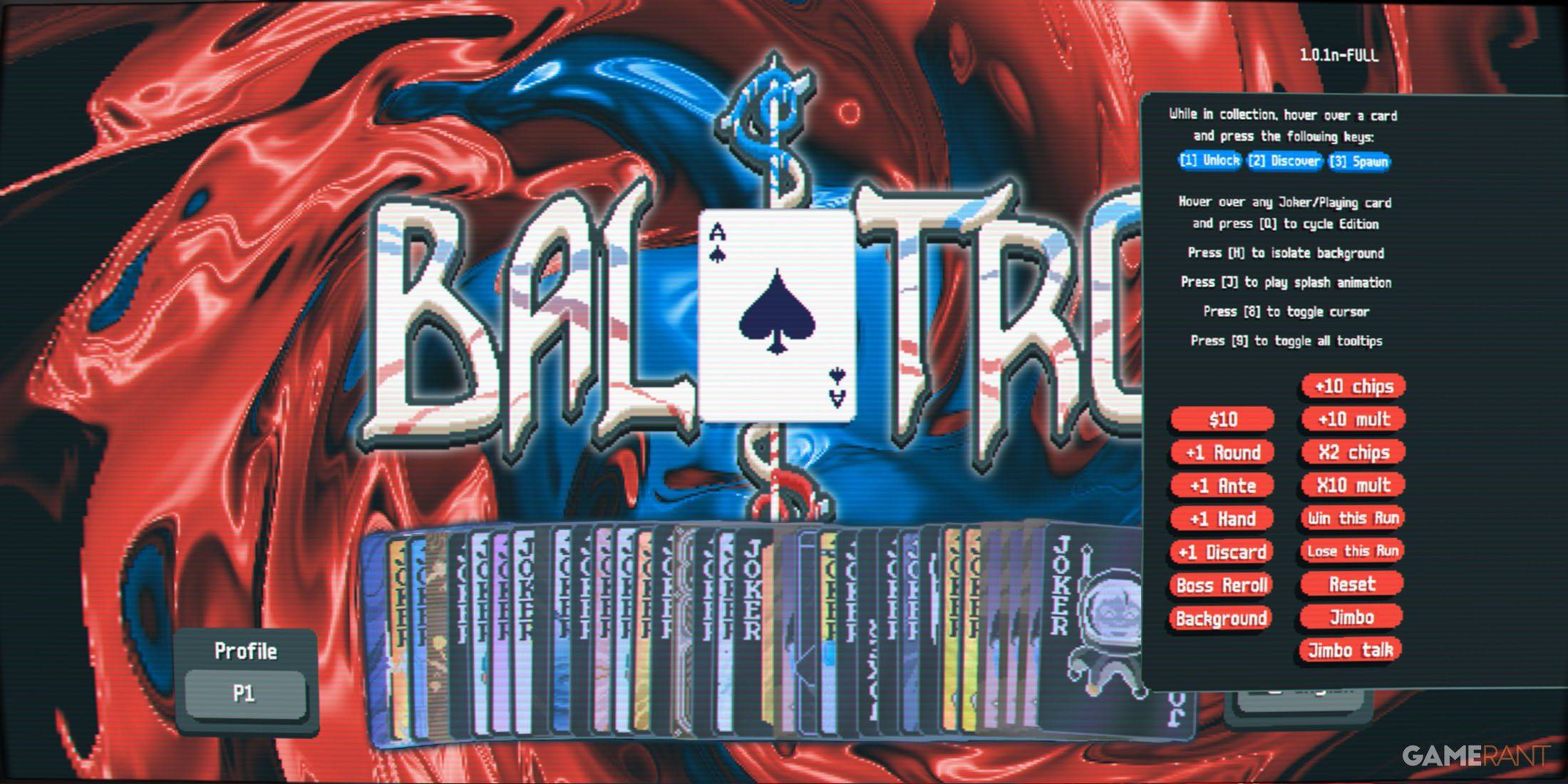 Apr 05,25Balatro Cheats: Accessing the Debug Menu Guide Balatro took the gaming world by storm upon its release in early 2024, selling over 3.5 million copies and clinching three out of five nominations at the 2024 Game Awards. Its innovative gameplay and endless replayability have kept it a favorite among players. As players become more adept at its mec
 -
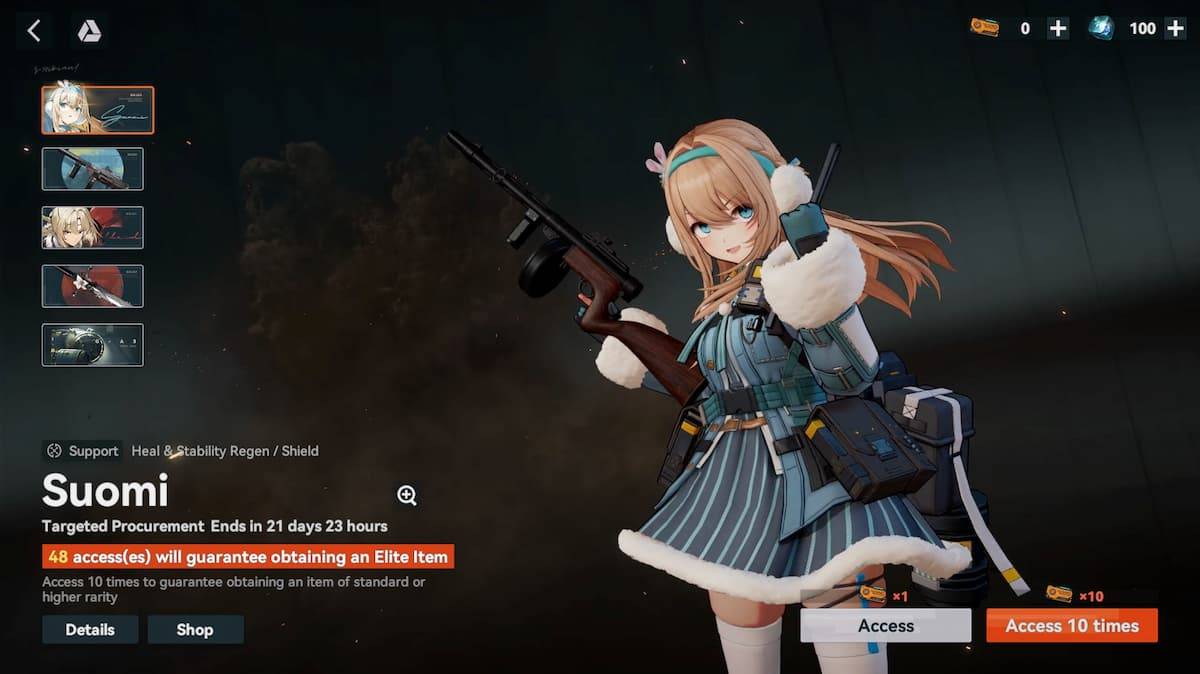 Jan 16,25Girls' Frontline 2: Exilium Tier List Released Another free-to-play gacha game, another character ranking to guide your investment choices. This Girls’ Frontline 2: Exilium character tier list helps you prioritize which characters are worth your resources. Girls’ Frontline 2: Exilium Character Tier List Here's a breakdown of currently available
 -
 Mar 17,25All Split Fiction Achievements & How to Unlock Them Dive into the captivating co-op adventure Split Fiction from Hazelight Studios! This guide outlines every achievement, ensuring you and your partner conquer every challenge. While some trophies are earned naturally through the story, many require thorough exploration and unique actions. Use this g
 -
 Mar 19,25How Does Dragon Ball Daima’s Finale Explain Goku Never Using Super Saiyan 4 in Super? The climactic battle in Dragon Ball Daima's finale pits Gomah against Goku, showcasing Goku's newly acquired form. This episode naturally led many fans to anticipate an explanation for Super Saiyan 4's absence in Super. So, how does the finale address this?In episode 19, after Glorio's wish restore