






Trace & Draw: AR Art Projector
 |
最新版本 | 1.0.8 |
 |
更新日期 | Apr,24/2026 |
 |
开发者 | Mitra Ringtones |
 |
系统要求 | Android 5.0+ |
 |
分类 | 艺术与设计 |
 |
大小 | 48.8 MB |
 |
Google PlayStore |  |
| 标签: | 艺术与设计 |
-
最新版本
1.0.8
-
更新日期
Apr,24/2026
-
开发者
Mitra Ringtones
-
系统要求
Android 5.0+
-
分类
艺术与设计
-
大小
48.8 MB
-
Google PlayStore


 下载(1.0.8)
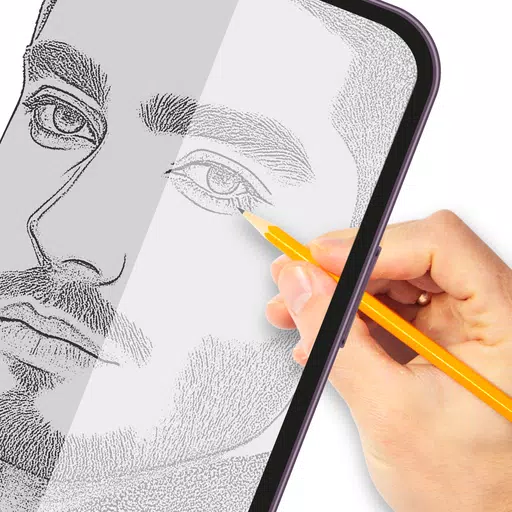
Transform any image into artwork with this intuitive tracing paper app—perfect for sketching and outlining.
将任何图像转换为艺术作品,这款直观的描图纸应用——非常适合素描和勾线。
Tracing streamlines the process of converting photos or artwork into clear line drawings. Simply overlay tracing paper and recreate the visible lines. Hone your artistic skills by practicing tracing and sketching effortlessly.
描图简化了将照片或艺术品转化为清晰线条画的过程。只需覆盖描图纸并重现可见的线条即可。通过轻松练习描图和素描来提升你的艺术技巧。
How it works:
工作原理:
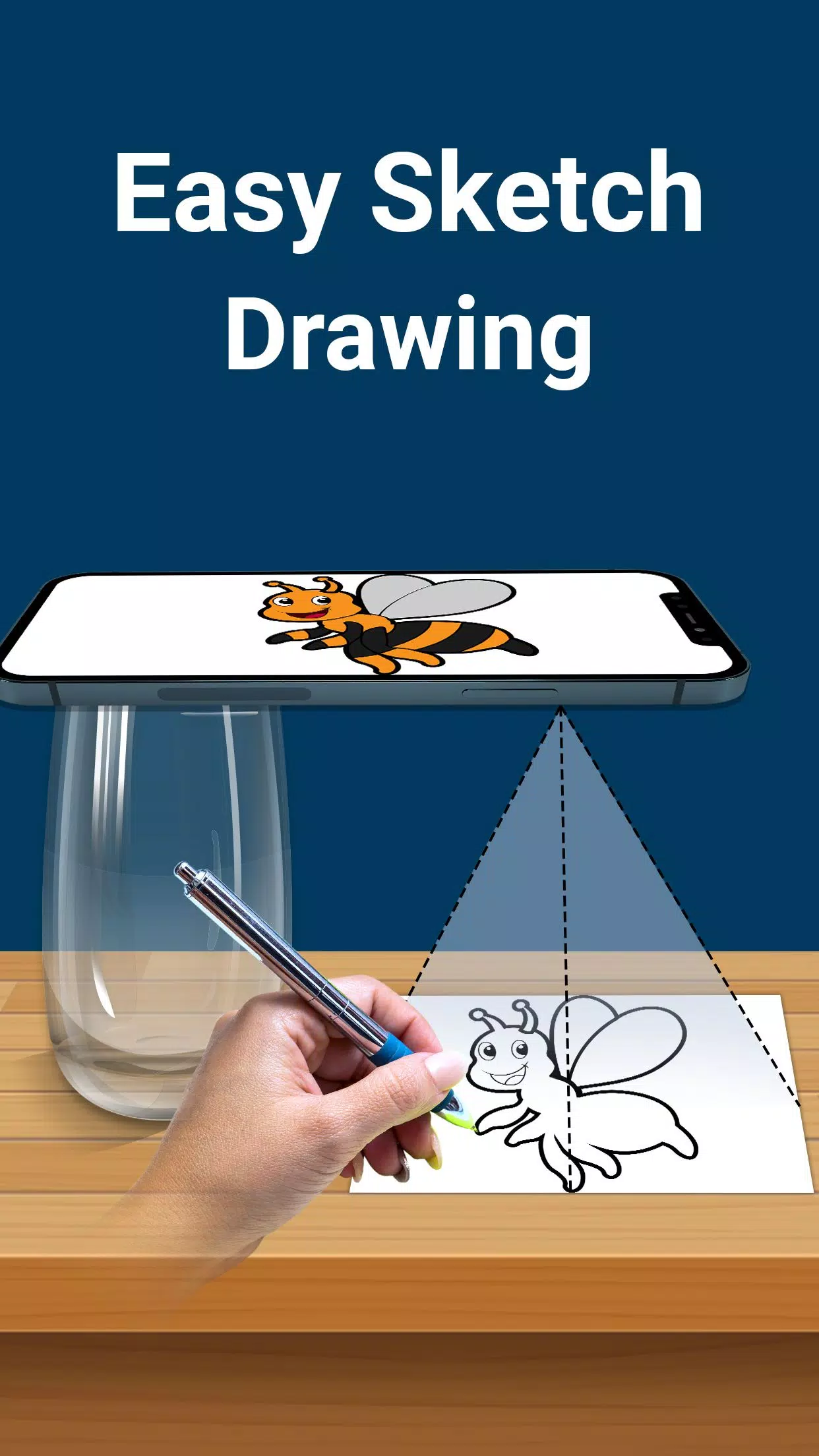
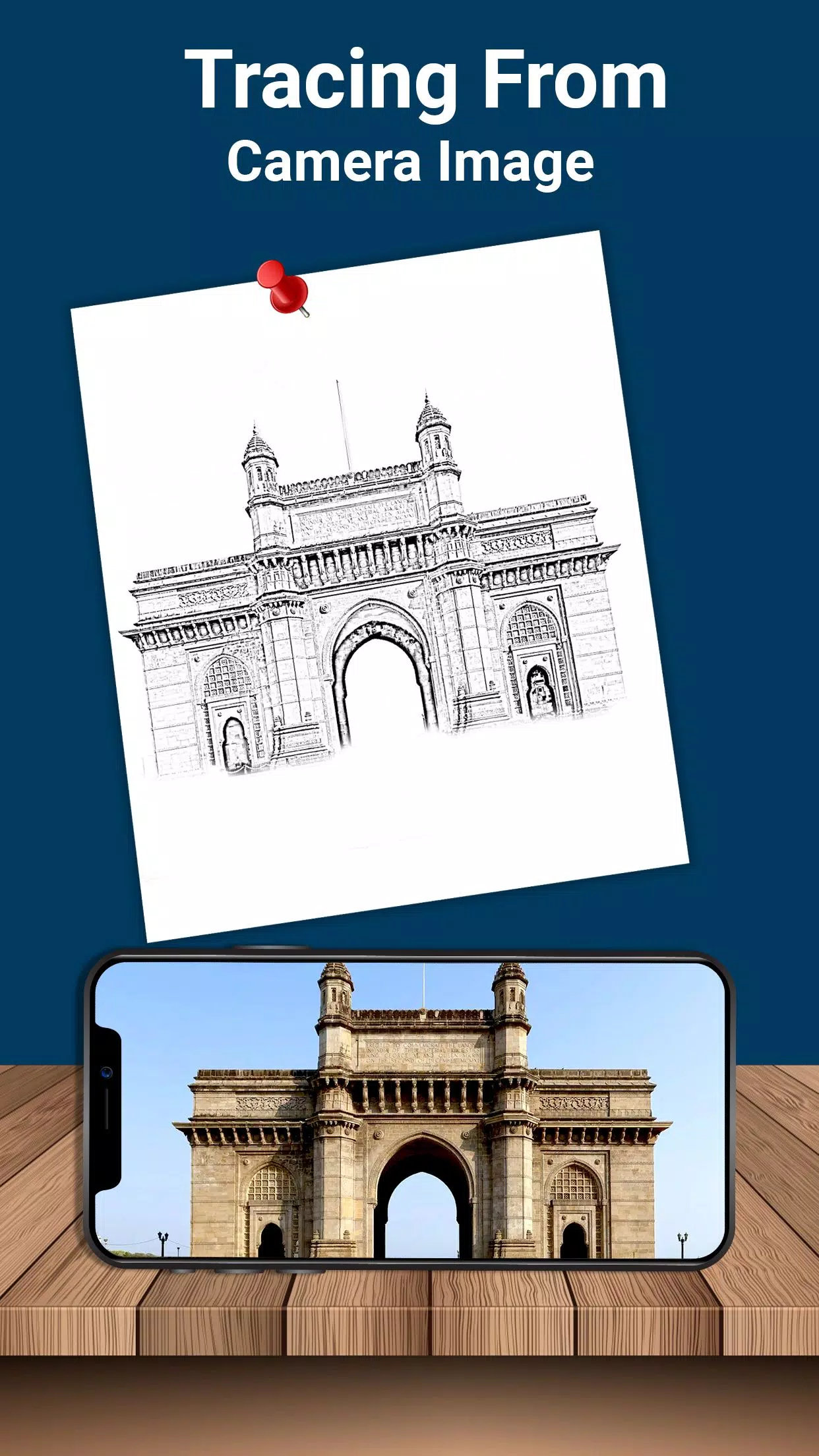
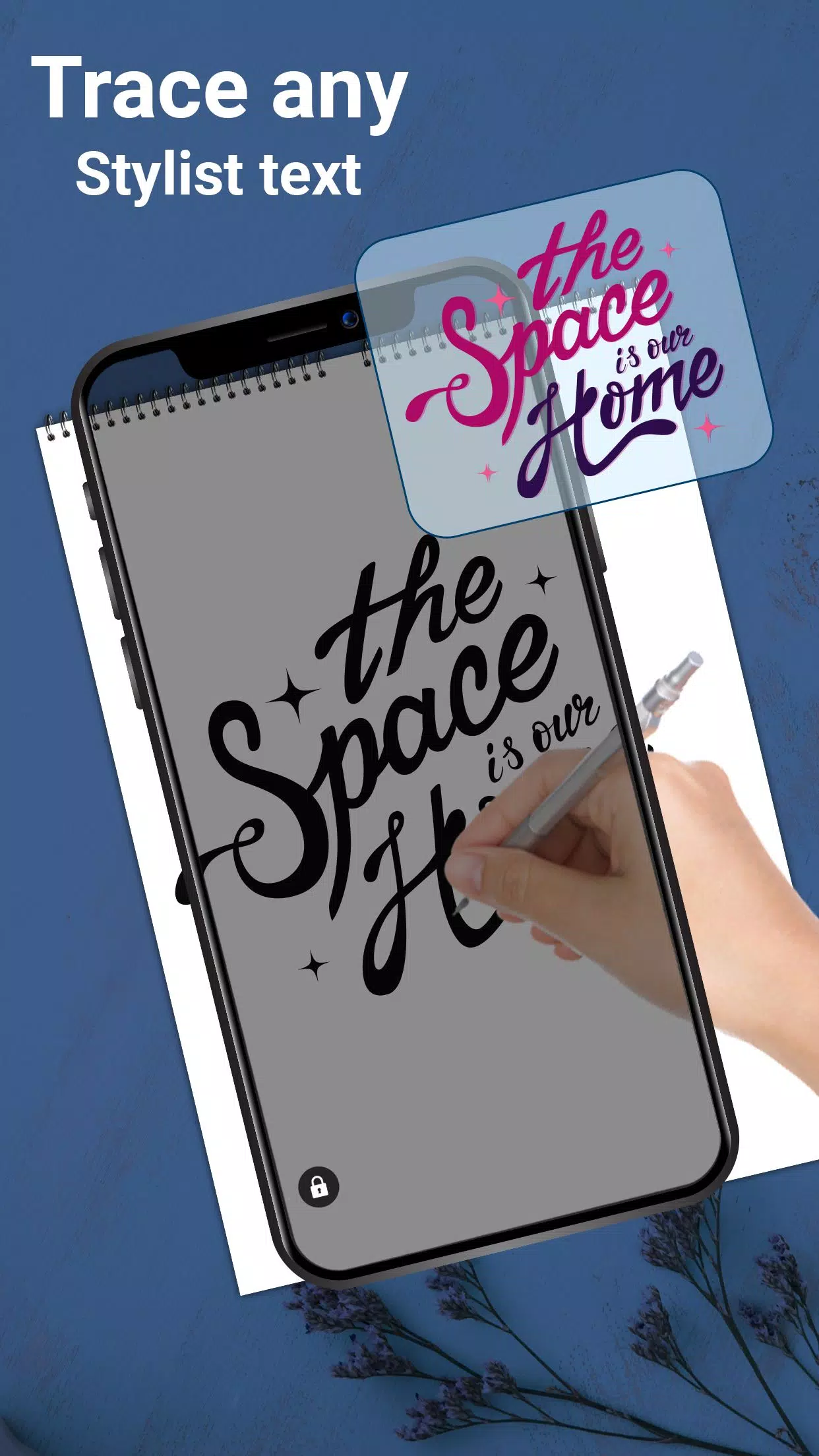
- Choose an image from your gallery or capture one using your camera. Adjust brightness, modify the background, or rotate the image as needed. A transparent overlay will appear on your screen—place drawing paper over it to trace your design.
从图库中选择一张图像,或使用相机拍摄。根据需要调整亮度、修改背景或旋转图像。屏幕上会出现透明覆盖层——将绘图纸放在上面即可描摹设计图案。
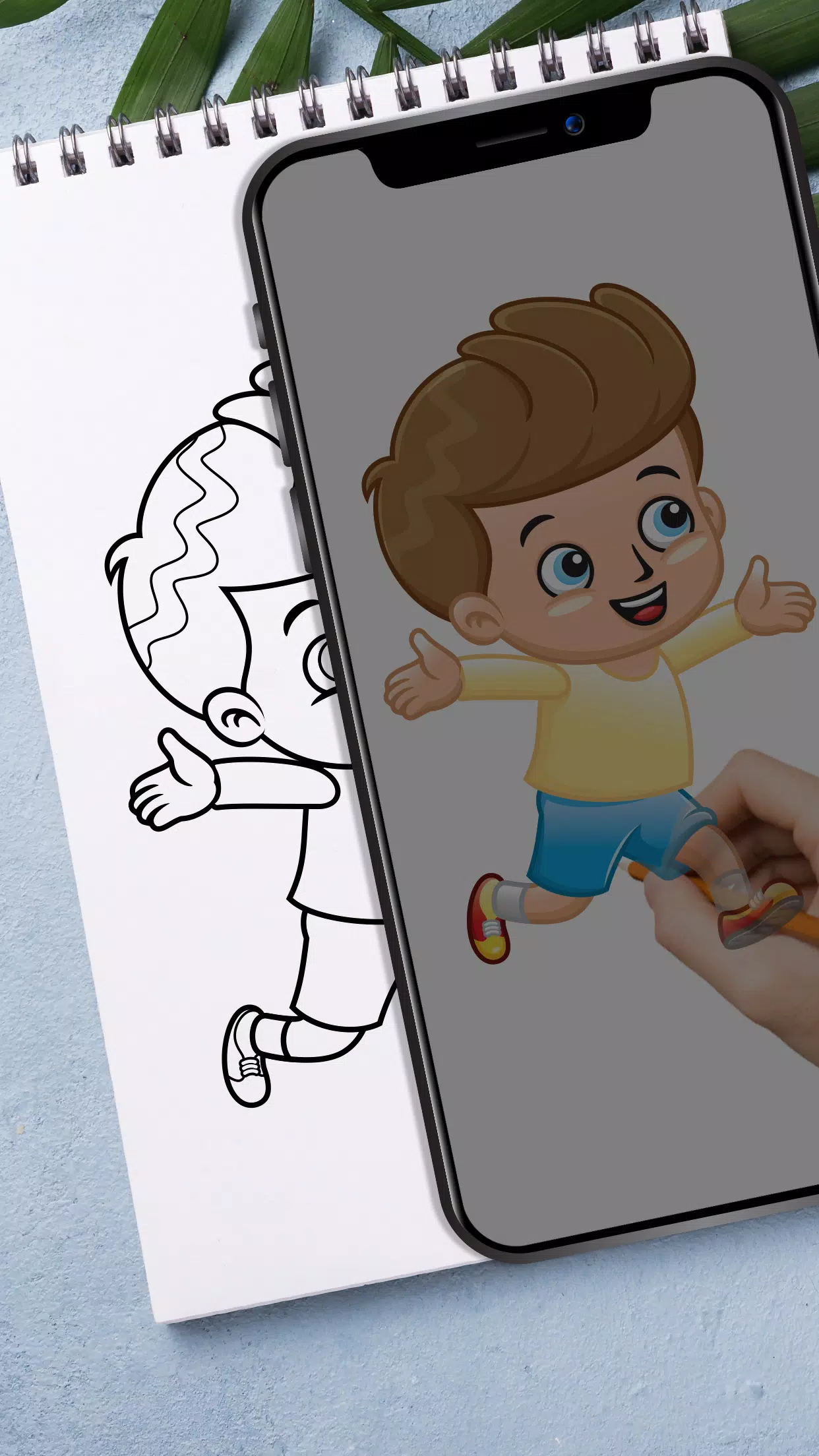
- Instead of traditional paper tracing, the app projects your image transparently onto your phone screen. Sketch directly over this digital guide to perfect your artwork.
与传统纸张描图不同,该应用会将你的图像以半透明方式投射到手机屏幕上。直接在这个数字指南上作画,完善你的作品。
- Craft stunning text designs—logos, signatures, and decorative lettering—using built-in elegant fonts.
使用内置的优雅字体打造惊艳的文字设计——包括标志、签名和装饰性字母。
- Ideal for artists, students, and children alike, this versatile sketch pad simplifies drawing. Create anything from basic doodles to intricate sketches.
这款多功能画板适合艺术家、学生以及儿童,简化了绘画过程。从基本涂鸦到复杂草图,一切皆可创作。
Key features:
主要功能:
- Convert gallery images into tracable outlines for paper sketching
将图库图像转换为可描摹的轮廓线用于纸质素描
- Capture reference photos instantly with your camera
使用相机即时拍摄参考照片
- Position paper over your screen for seamless tracing
将纸张置于屏幕上方实现无缝描图
- Maximize brightness for optimal visibility
最大化亮度以获得最佳可视性
- Lock images securely during sketching sessions
在绘画过程中安全锁定图像
- Rotate reference images freely
自由旋转参考图像
- Design custom text art including logos and signatures
设计自定义文字艺术,包括标志和签名
- Zoom effortlessly for detailed work
轻松缩放进行精细操作
- Trace lines precisely using pencils or styluses
使用铅笔或触控笔精确描线
This AR drawing tool helps artists refine their technique. Practice stenciling, improve freehand drawing, and recreate images accurately directly onto your sketchbook.
这款AR绘图工具帮助艺术家完善技巧。练习模板绘制,提升自由手绘能力,并直接在素描本上精准复刻图像。
Adjust photo opacity for personalized tracing experiences. Even complex illustrations become approachable with this lightbox-style tracing app.
调整照片不透明度以个性化描图体验。即使是复杂的插图也能借助这款灯箱式描图应用变得易于处理。
Secure your reference images while drawing. Eliminate the need for tracing equipment—just trace directly from your device.
在绘画时固定参考图像。无需额外描图设备——直接从你的设备上描摹即可。
Download now to develop your artistic abilities through tracing and sketching.
立即下载,通过描图和素描发展你的艺术能力。