






Microsoft Edge Game Assist is a \"Game Aware\" Browser

Microsoft rolls out the Preview test version of their newest in-game browser called Edge Game Assist, a tool that’s sure to help streamline your gaming experience. Read on to find out more about its game-aware features and more!
Edge Game Assist, The Gaming-Optimized Browser
Introducing The Game-Aware Tab
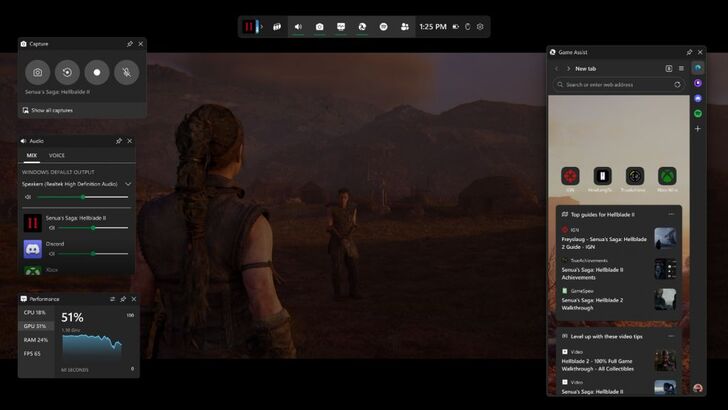
Microsoft rolls out the Preview build of their newest in-game browser that’s optimized for PC gaming, the Edge Game Assist! According to Microsoft, "88% of PC players use a browser while gaming to get help, track their progress, or even listen to music or chat with friends. These actions require you to pull out your phone or Alt-Tab to the desktop on your PC, taking you out of your game." This whole process is rather tedious, so they believe there’s a better way to go about it, and thus, the Edge Game Assist was born.
The Edge Game Assist is the "first in-game browser that delivers a rich gaming-centric browsing experience—including access to your browser data from your PC and mobile devices." This special version of the standard Microsoft Edge appears on top of a player’s game in the form of an overlay through the Game Bar, providing a smooth experience without needing to Alt-Tab out of your game. It will also share the same personal data as the actual Edge browser, so all favorites, history, cookies, and form fills will be available—no need to log in.
And most importantly, it will readily suggest tips and guides for the game that you’re playing without needing to type it in manually on the browser through its new "game-aware tab page." Based on Microsoft’s research, "40% of PC players look up tips, guides, and other help while they play." Edge Game Assist hopes to make this much easier by bringing these guides to you immediately at a click of a new tab. You can even pin this tab to display the widget while you’re playing in real-time, making it much easier to follow guides.
However, this automatic feature is currently restricted to a couple of popular games as it is currently in its beta test phase, but Microsoft has assured that they will be adding support for other games throughout its development and over time. For now, it supports the following:
⚫︎ Baldur’s Gate 3
⚫︎ Diablo IV
⚫︎ Fortnite
⚫︎ Hellblade II: Senua’s Saga
⚫︎ League of Legends
⚫︎ Minecraft
⚫︎ Overwatch 2
⚫︎ Roblox
⚫︎ Valorant
Stay tuned for more games to be added!
To get started, interested users can download a Beta or Preview version of Microsoft Edge and set it as the default browser. Then, through the Edge Beta or Preview window, hop into Settings and search for Game Assist, where it will take you to the option for installing the widget.
-
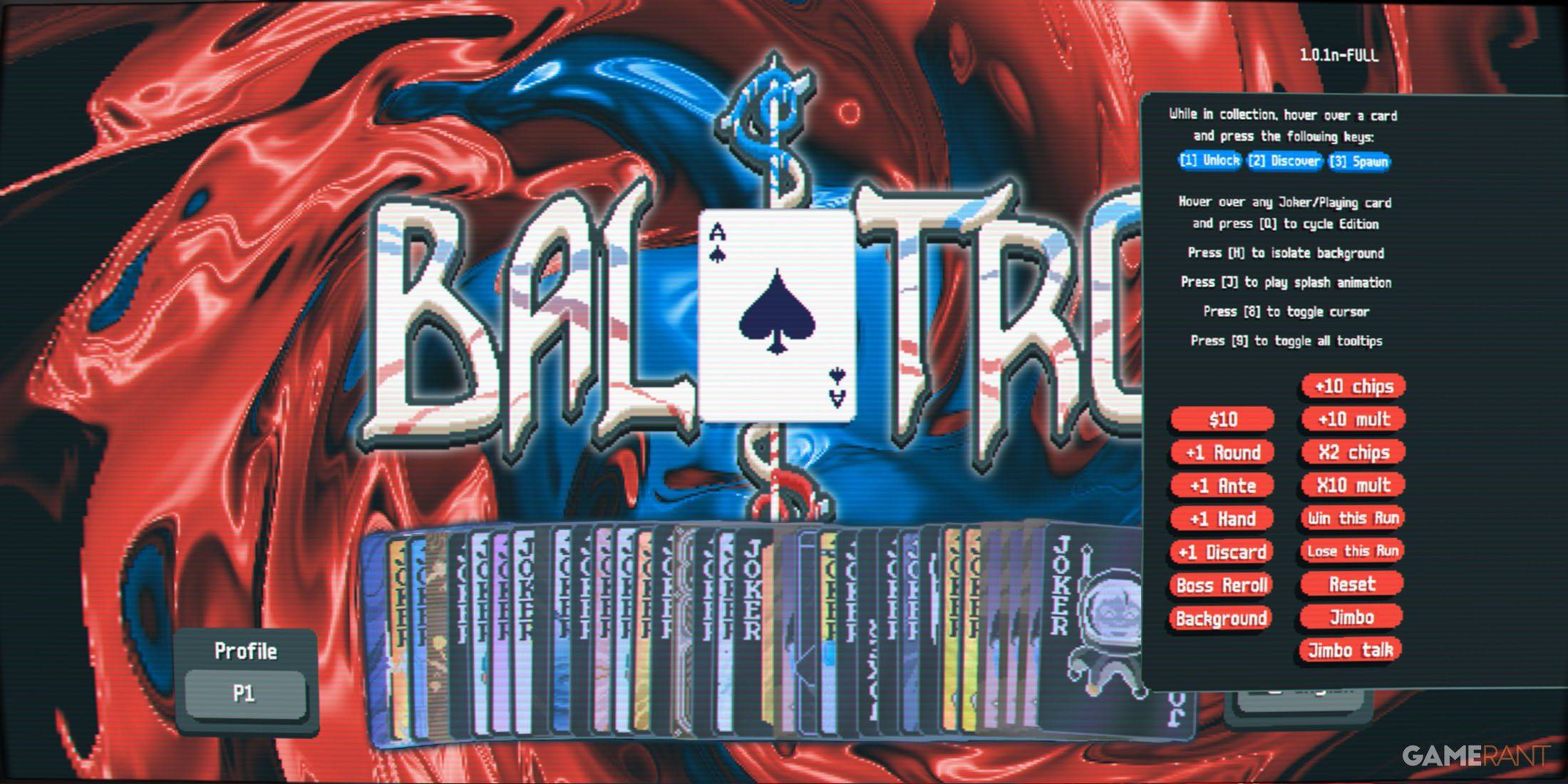 Apr 05,25Balatro Cheats: Accessing the Debug Menu Guide Balatro took the gaming world by storm upon its release in early 2024, selling over 3.5 million copies and clinching three out of five nominations at the 2024 Game Awards. Its innovative gameplay and endless replayability have kept it a favorite among players. As players become more adept at its mec
 -
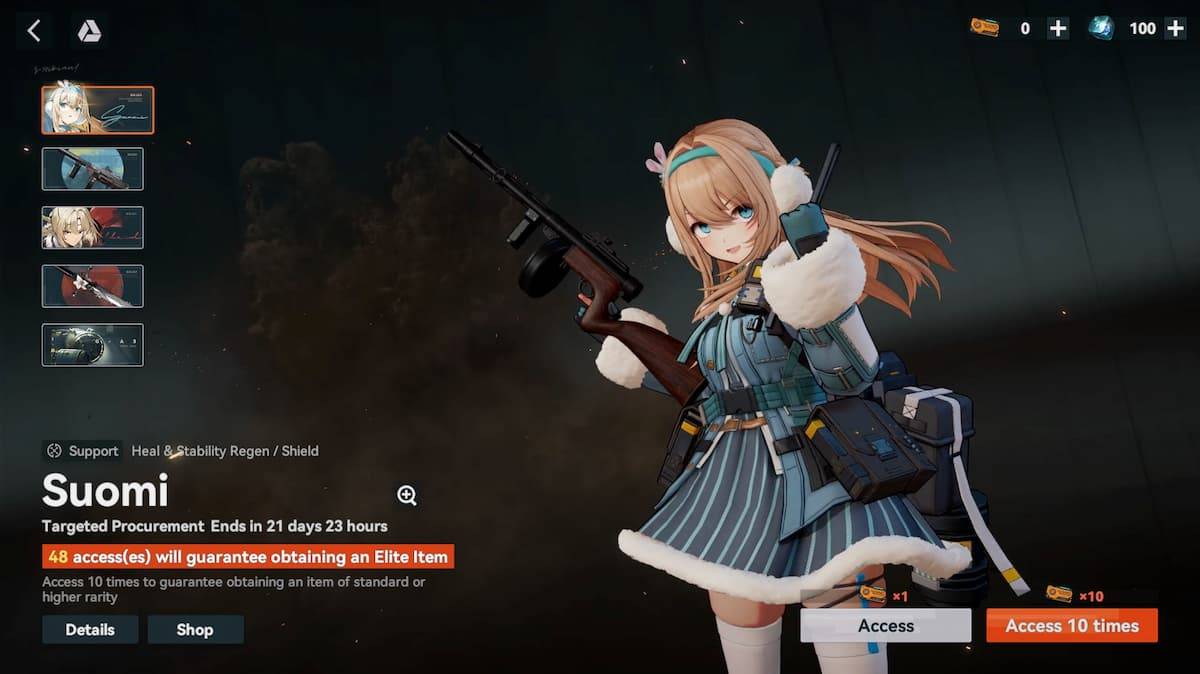 Jan 16,25Girls' Frontline 2: Exilium Tier List Released Another free-to-play gacha game, another character ranking to guide your investment choices. This Girls’ Frontline 2: Exilium character tier list helps you prioritize which characters are worth your resources. Girls’ Frontline 2: Exilium Character Tier List Here's a breakdown of currently available
 -
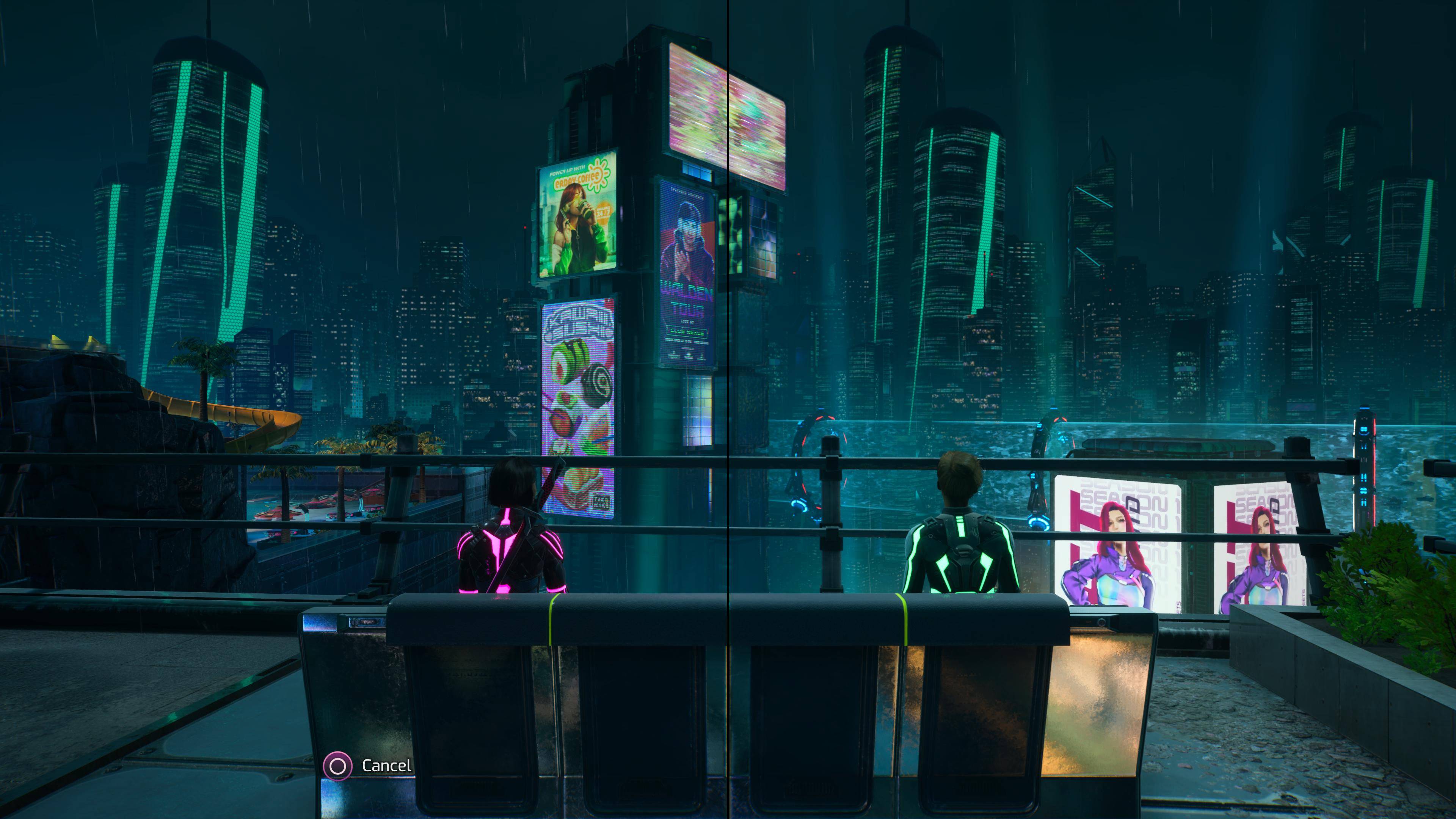 Mar 17,25All Split Fiction Achievements & How to Unlock Them Dive into the captivating co-op adventure Split Fiction from Hazelight Studios! This guide outlines every achievement, ensuring you and your partner conquer every challenge. While some trophies are earned naturally through the story, many require thorough exploration and unique actions. Use this g
 -
 Mar 19,25How Does Dragon Ball Daima’s Finale Explain Goku Never Using Super Saiyan 4 in Super? The climactic battle in Dragon Ball Daima's finale pits Gomah against Goku, showcasing Goku's newly acquired form. This episode naturally led many fans to anticipate an explanation for Super Saiyan 4's absence in Super. So, how does the finale address this?In episode 19, after Glorio's wish restore